5 Common AI Mistakes That Beginners make (and How to Fix Them Fast)
Estimated read time 6-7 minutes
👥 Why most people think AI is useless (and the simple fixes that actually work)
You finally tried ChatGPT. Asked it to write a blog post about your business. Got back 500 words that sound like they were written by a robot having an existential crisis about "leveraging synergistic solutions to optimise paradigm shifts in the digital ecosystem."
Your actual business? You sell homemade jam.

Welcome to AI mistake #1 - and the reason most people think AI is over-hyped nonsense that only works for tech bros who speak fluent buzzword.
Here are the 5 common AI mistakes beginners make that turn powerful tools into frustrating time-wasters (and the ridiculously simple fixes that actually work). Plus the one thing most beginners get backwards that changes everything.
Mistake #1: Treating AI Like Google Instead of Your Overenthusiastic Intern 🔍
The Problem: You ask one question, expect a perfect answer, then get frustrated when it sounds like it was written by someone who learned English from corporate press releases.
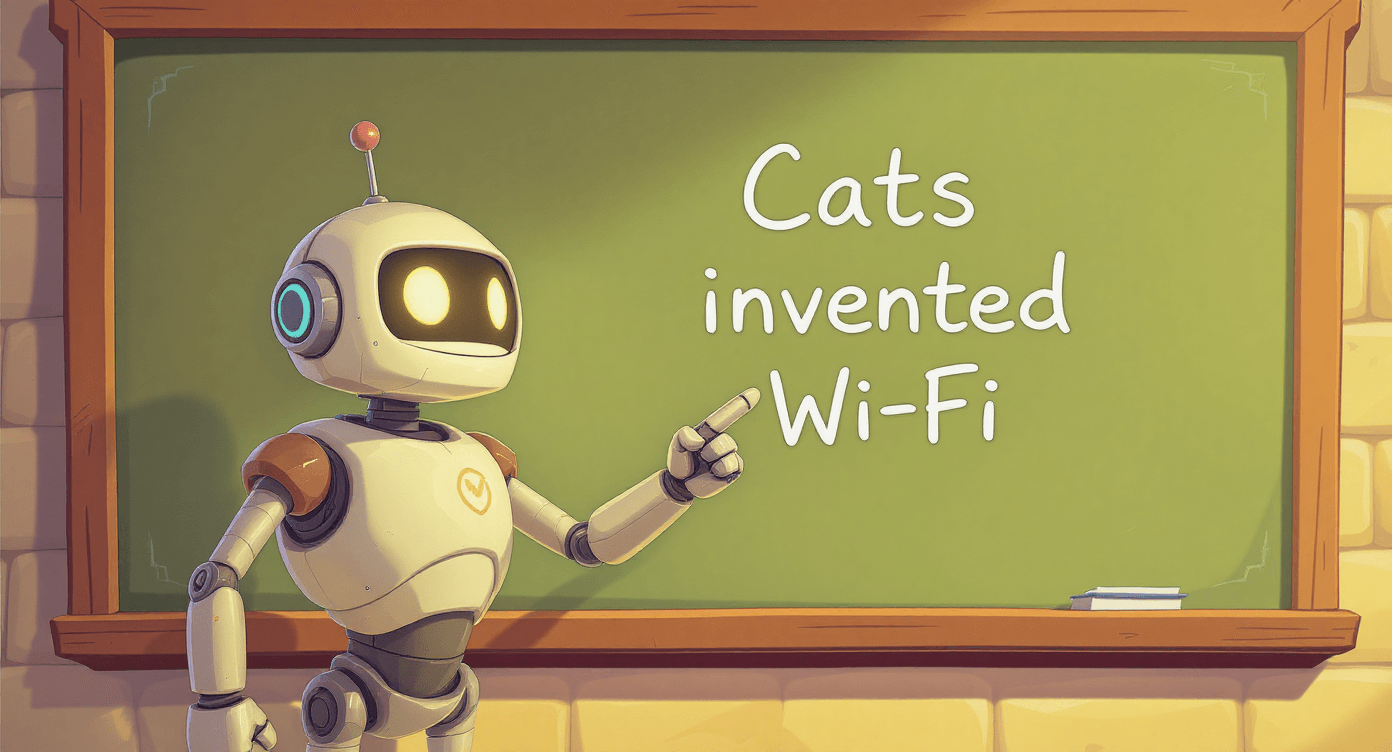
Think of AI like that overenthusiastic intern who's brilliant but needs very specific instructions and occasionally tells you that cats invented the internet.

What you probably do:
Type "write me an email"
Get generic corporate waffle about "reaching out" and "circling back"
Give up and write it yourself anyway (while muttering about AI being useless)
What actually works: Follow up and iterate. Your first prompt should start a conversation, not end it.
Try this with product descriptions:
"Write a product description for my business"
"Make it sound less corporate - I sell handmade jewellery to creative millennials"
"Add emotional benefits, not just features - focus on self-expression"
Each response gets more targeted because you're teaching the AI about your specific audience and brand voice.
Why this works: Research from MIT Sloan shows that iterative prompting—building on AI's responses through conversation—unlocks significantly more potential than single-shot requests, with prompt engineering becoming essential for optimal results.
Once you've mastered the conversation approach, you'll start trusting AI more. But that trust can backfire if you make this next mistake...

Mistake #2: Trusting AI Like It's Wikipedia (Spoiler: It's Not) 📚
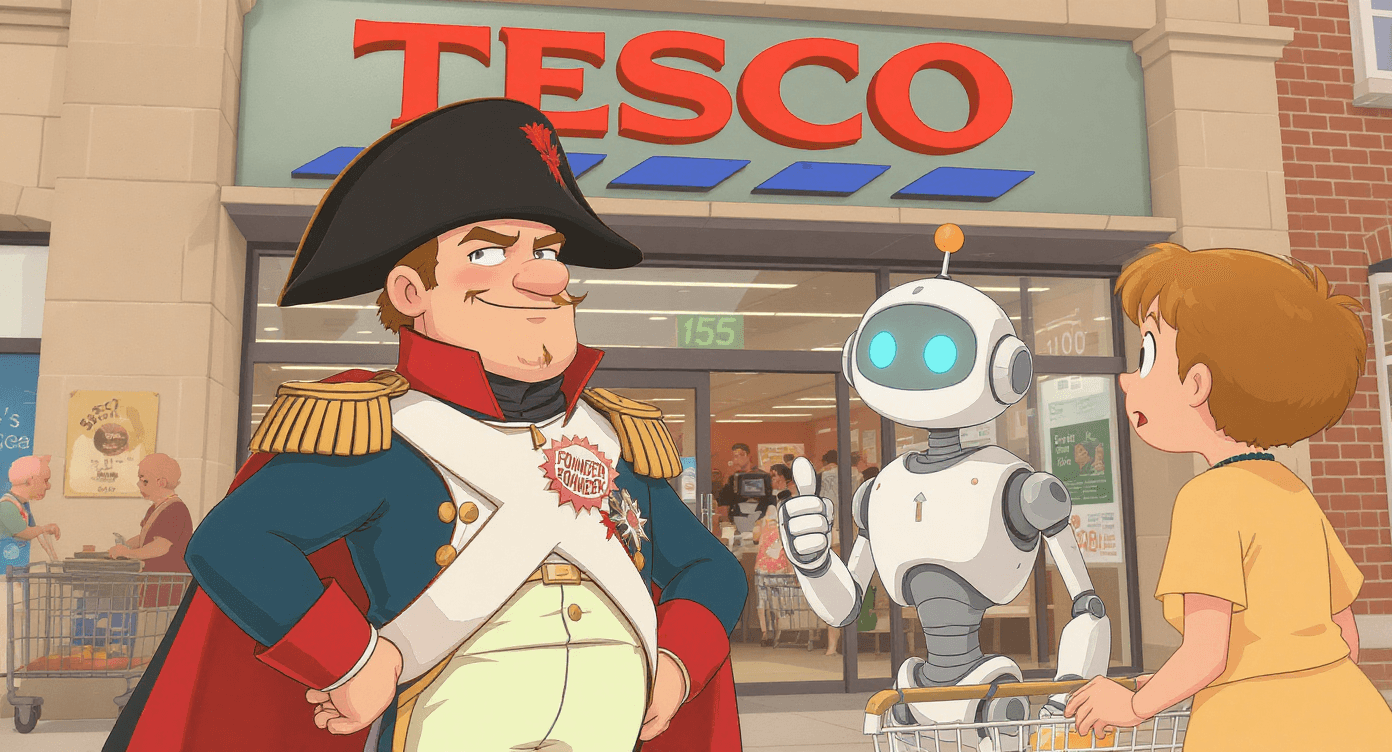
The Problem: You assume AI knows everything and never lies. Meanwhile, AI confidently tells you that penguins invented flight and that your local Tesco was founded by Napoleon.
What beginners don't realise: Most AI tools were trained on information up to a specific date (like January 2024) - they literally don't know what happened after that point. It's like asking someone who's been in a coma since January what happened in July.
Real examples of AI being confidently wrong:
Claims Shakespeare wrote Harry Potter
Insists that Australia is fictional
States that cats can photosynthesise (they can't, despite what your AI assistant believes)
⚠️ Warning signs to watch for:
It gives very confident answers but refuses to show a single source.
It cites articles, studies, or links that mysteriously don’t exist.
Every answer sounds polished but slightly off — like a student who’s bluffing in class.
It repeats the same phrasing or “facts” no matter how you reword the question.
It avoids saying “I don’t know” — a sure giveaway it’s filling in blanks with nonsense. believes)
According to MIT Sloan's research on AI hallucinations, these confident fabrications are an inherent feature of how large language models work—they're designed to generate plausible-sounding sequences, not verify factual accuracy.
The Fix:
Check when the AI's training data ends before asking about recent events
Always verify specific facts, statistics, and dates
Use AI for creative and analytical tasks, not as your personal encyclopedia
Understanding What is AI helps you spot these limitations before they make you look silly in front of clients.
🥇Golden rule: If you wouldn't trust a random person on the internet saying it, don't trust AI saying it either.
Mistake #3: Using AI Output Like Copy-Paste Gospel 📋
The Problem: You treat AI-generated content like it's perfect and ready to publish immediately.
What actually happens:
Your "About Us" page sounds like every other business website since 2010
Your product descriptions could be selling anything from soap to software
Customers can tell it's AI-written (and not in a good way)
Real confession: I once asked AI to write my wedding speech and it included the phrase "leveraging our matrimonial synergies." The bride's father thought I'd lost my mind.
❌ Classic beginner move: Copy AI output → Paste directly to website → Wonder why it sounds robotic
✅ What successful people do: Get AI draft → Edit in your voice → Add personal examples → Publish something that sounds like you
The Fix: Always edit and personalise AI output. Think of AI as your writing buddy who gets you 80% of the way there, but you need to add the personality.
Your 5-minute editing checklist:
Replace boring examples with your own stories
Change "we leverage solutions" to "we help you fix this"
Add personal anecdotes (AI can't tell your stories)
Remove phrases your mum wouldn't understand
Reality check: This editing should take 5-10 minutes, not hours. If you're rewriting everything, your original request was too vague.
🤖 McKinsey found that using the right AI tool for the task can boost productivity by up to 40% but most beginners try to force one tool (like ChatGPT) to do everything.
Mistake #4: Expecting AI to Read Your Mind About Context 🤯
The Problem: You assume AI knows your business, your audience, or your goals without explaining them.
Typical scenario:
You: "Write a product description"
AI: "This innovative solution leverages cutting-edge technology..."
You: "That's nothing like my handmade candles business!"
The Reality: AI doesn't know you sell candles to stressed millennials, that your brand voice is cheeky and down-to-earth, or that your customers care about natural ingredients.
The Fix: Provide context upfront. Think of it like briefing a freelancer - the more relevant details you give, the better the result.
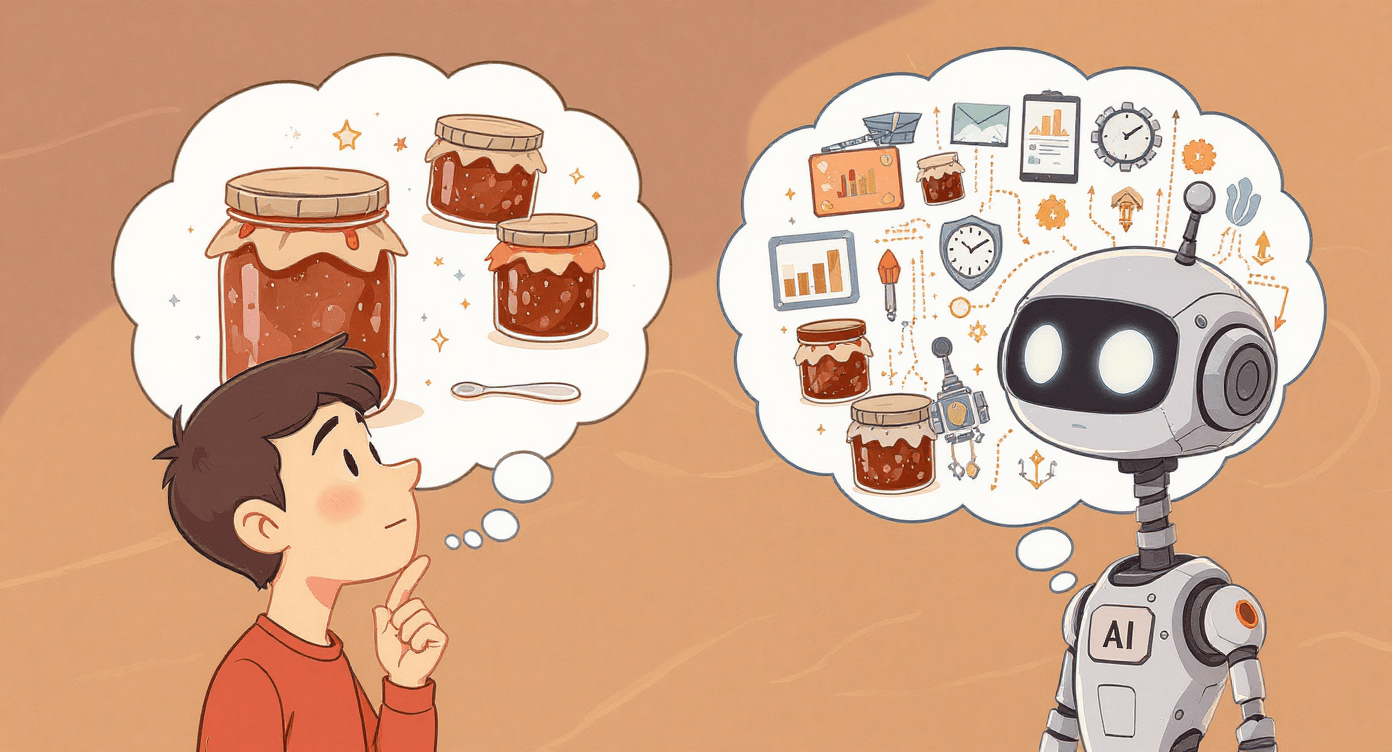
What context means:
Your business/industry (handmade candles, accounting services, fitness coaching)
Your target audience (busy parents, small business owners, fitness beginners)
Your personality (professional but friendly, no-nonsense, quirky and fun)
Specific requirements (150 words max, include a call-to-action, avoid industry jargon)
Don't know your "brand voice"? Just describe how you normally talk to customers. Formal like a bank manager? Chatty like a friend? Straightforward like a teacher?
Better approach: "Write a product description for handmade soy candles. My customers are stressed millennials who want their homes to feel calming and put-together. I talk to customers like a helpful friend - friendly but not overly cute. Focus on the relaxation benefits and natural ingredients, and mention they smell like 'having your life together.'"
Mistake #5: Using the Wrong Tool for the Job 🛠
The Problem: You're trying to hammer nails with a screwdriver. Each AI tool has strengths and weaknesses, but beginners often stick with whatever they tried first for every single task.
Common AI prompting mistakes:
Asking ChatGPT to create a professional presentation (takes forever to format)
Using image generators to write product descriptions (they create pictures, not copy)
Trying to build contact forms in a writing tool (when form builders exist)
The Fix: Different tools for different jobs - but don't overwhelm yourself.
The beginner approach: Start with one general tool (like ChatGPT or Claude) for writing and brainstorming. Once you're comfortable, add specialised tools for specific needs.
When you're ready to expand: Our 7 Beginner-Friendly AI Tools guide covers the best options for each type of task, so you don't have to test dozens of tools yourself.
According to McKinsey's 2023 State of AI report, organisations that match specific AI tools to appropriate tasks see 40% higher productivity gains compared to those using general-purpose tools for everything.
This leads to the biggest misunderstanding most beginners have about AI...
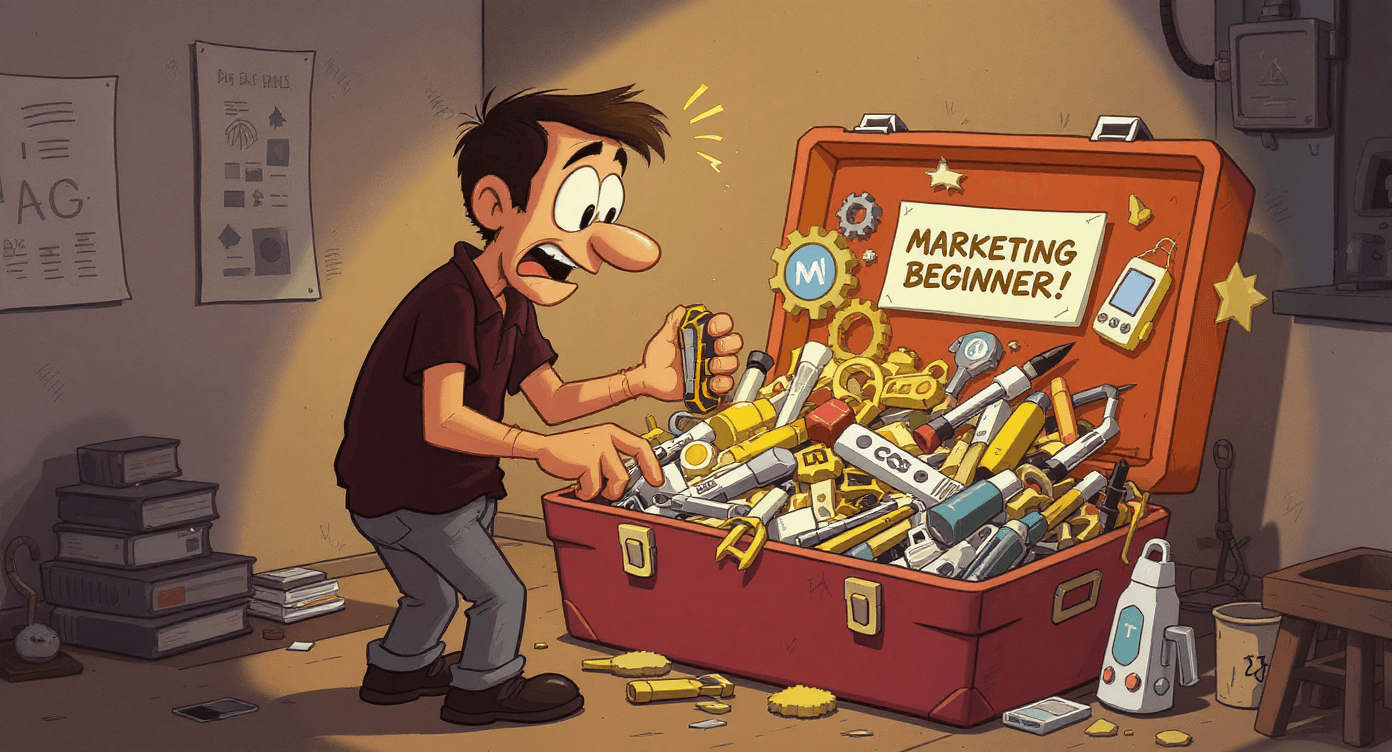
📌 The One Thing Most Beginners Get Backwards
The big reveal: Most beginners think AI should work like magic - perfect results with minimal effort.
The reality: The most successful AI users treat it like hiring a talented but literal-minded assistant. You provide clear direction, review their work, and guide them toward exactly what you need.
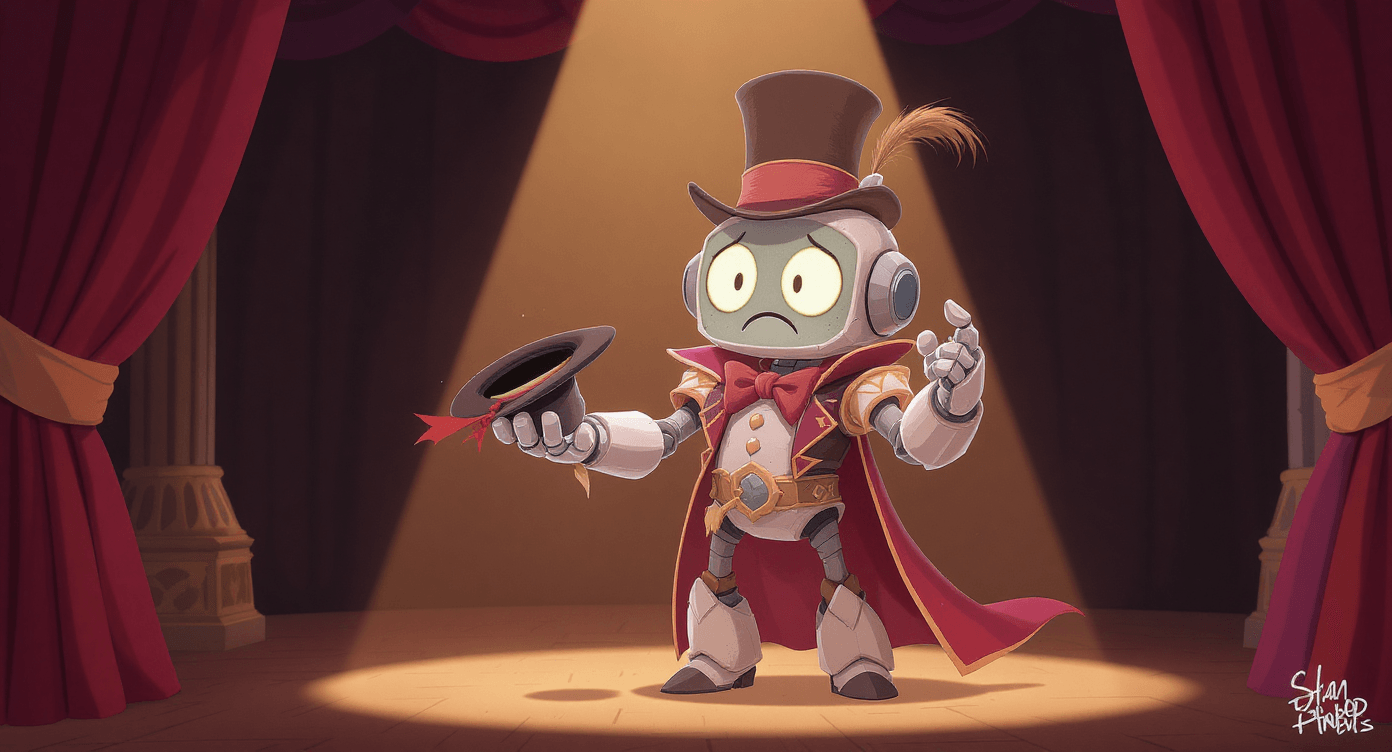
This means:
You stay in control of strategy and creativity
AI handles the heavy lifting and first drafts
You bring judgement, context, and final polish
AI brings speed, ideas, and processing power
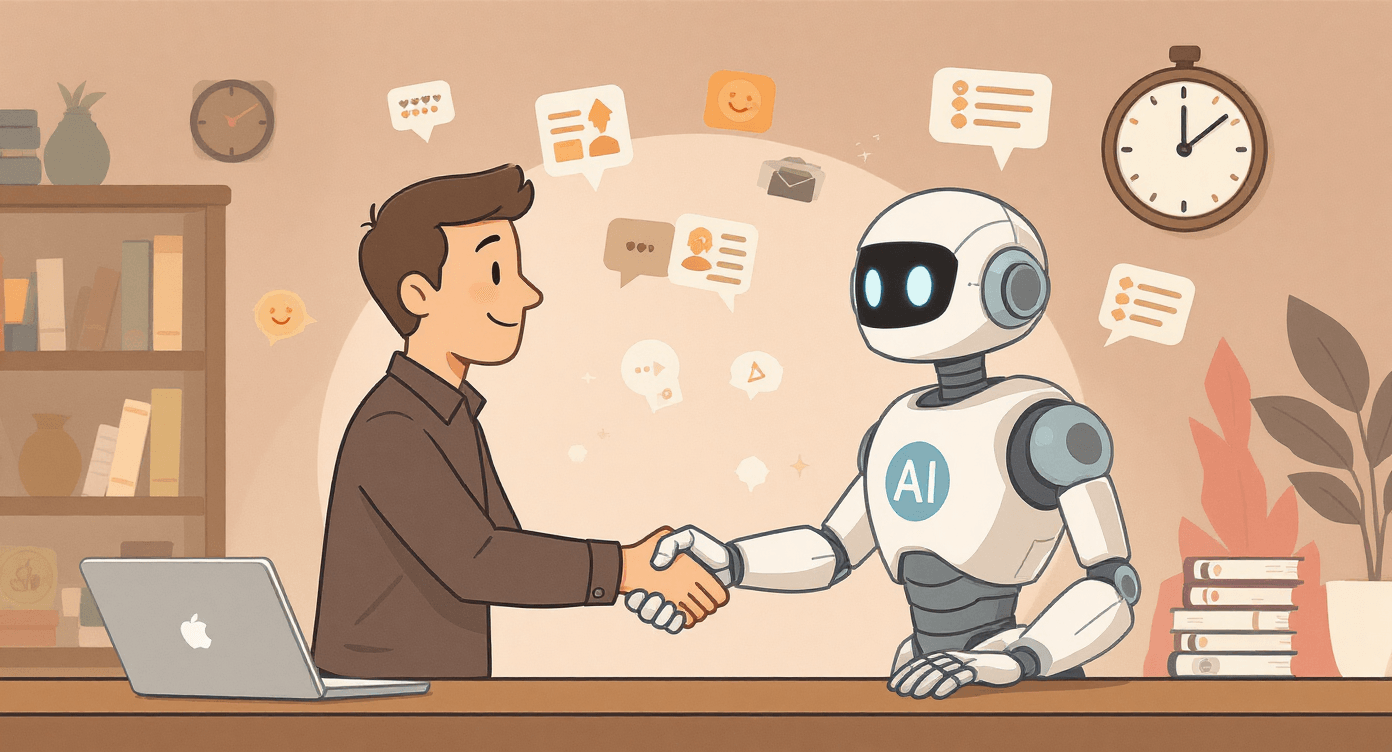
Think collaboration, not replacement.
❤🩹 Your Quick Recovery Plan
If you've been making these mistakes (we all have):
Pick one AI tool you'll focus on mastering - start with ChatGPT or Claude for writing tasks, then expand once you're comfortable
Practice the conversation approach - ask follow-up questions instead of expecting perfection immediately
Create a simple editing checklist for personalising AI output - replace generic phrases with your voice and add personal examples
Learn proper prompting techniques - provide context about your business, audience, and desired tone in every request
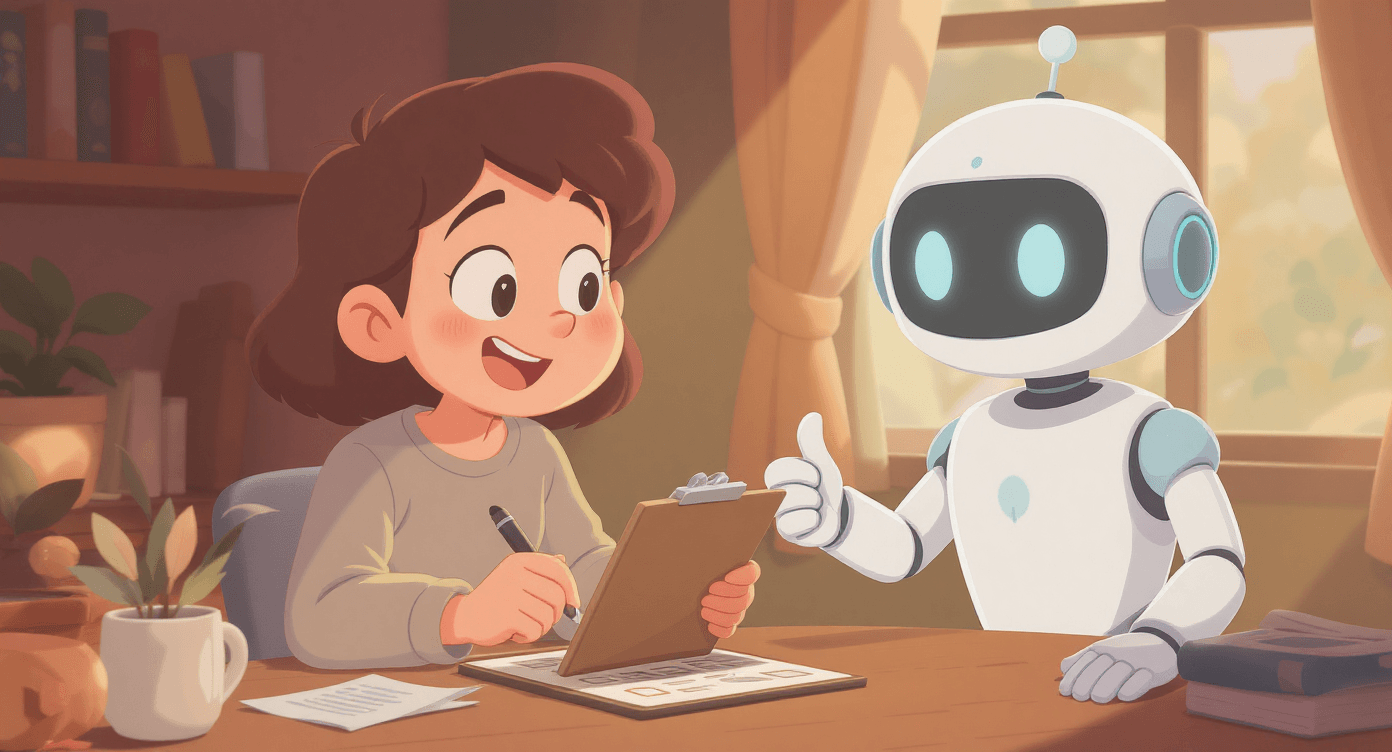
Remember: Everyone starts by making these mistakes. The difference between people who give up and those who succeed? The successful ones learn from the mistakes instead of blaming the technology.
The key is understanding that AI works best when you treat it as a collaborative writing partner, not a magic solution that reads your mind.
🎯 The Bottom Line
AI isn't magic, but it's not useless either. These tools can genuinely save you hours each week and help you create better content - but only if you avoid these common pitfalls.
The secret isn't finding the perfect AI tool or the magic prompt. It's understanding how to work collaboratively with AI systems to get consistently good results.
Your next step: Download our Free Beginner's AI Cheat Sheet for step-by-step guidance on getting started with the right tools and techniques. Includes the exact prompts and warning signs from this guide, plus our 'AI Tool Selector' to find the right tool for each task.
Ready to level up? The SPARK Method digital guide shows you the advanced techniques that separate AI power users from beginners still fighting with generic responses.
Most people read guides like this and do nothing.
You invested time in learning - now use that knowledge to make AI work for you, not against you.
No Jargon AI
Making AI make sense - one prompt at a time
Declaration
Some links on this site are affiliate links.
I may earn a small commission, but it doesn't
cost you anything extra.
I only recommend tools i trust
Thank you for your support
Socials
Location
Based in Mansfield, Nottinghamshire
Simplifying AI for beginners, no matter
where you're starting from.
All Rights Reserved.