7 Beginner-Friendly AI Tools That Actually Make Life Easier (Without the Overwhelm)
Estimated read time... 4 - 5 minutes
🎒 The Essential AI Starter Pack
You've heard AI is going to change everything. Your LinkedIn feed is bursting with productivity gurus claiming they're using 47 different AI tools to "10x their workflow."
Meanwhile, you're still googling "how to make Excel stop auto correcting everything to random dates" and wondering if you missed some important memo about becoming a digital superhuman overnight.

Here's the refreshingly honest truth: most people only need a handful of AI tools to see real benefits.
The rest is just digital hoarding with extra steps and a side of decision paralysis.
I've spent the past year testing dozens of AI applications (so you don't have to wade through the Silicon Valley hype), and here are the 7 beginner-friendly AI tools I actually recommend to my mates - plus bonus tools for when you're ready to expand.
These aren't the flashiest or newest; they're the ones that solve genuine problems without requiring a computer science degree or a £500/month subscription that makes your accountant weep.
🛞 The Foundation: Your AI Training Wheels (That You'll Never Want to Remove)
Think of these two as your gateway drugs to AI productivity - except they're legal, beneficial, and won't make you question your life choices at 3am.

1.ChatGPT - The Swiss Army Knife That Actually Works 💬
What it does:
Your go-to AI assistant for writing, brainstorming, explaining complex topics, and answering those random 2am questions that keep you awake (like "why do cats purr?" or "what's the best way to apologise after accidentally 'reply all' to the entire company?").
Perfect for:
Breaking through writer's block when your brain feels like it's running Windows Vista
Explaining complicated concepts in plain English (brilliant for presentations to non-technical colleagues)
Brainstorming when your creativity has gone on an extended tea break
Having conversations that won't result in awkward small talk about the weather
Pricing: Free tier available | ChatGPT Plus at £19.99/month
Quick Start Tip: Try this prompt: "Explain [complex topic] to me like I'm explaining it to my nan over Sunday roast." Works a treat for making anything digestible.

2. Claude - The Thoughtful Mate Who Actually Listens 👂
What it does:
Similar capabilities to ChatGPT, but with a calmer, more analytical approach. Think of it as the difference between getting advice from an excitable golden retriever versus a wise border collie.
Perfect for:
Reading and summarising lengthy documents (it can handle up to 100,000 words - roughly the length of a Harry Potter book, or one particularly verbose client proposal)
Getting detailed, nuanced explanations without the usual AI enthusiasm that sounds like it's had too much coffee
When you want responses that feel more like consulting with a thoughtful colleague than interrogating an overly excited intern on their first day
Pricing: Free tier available | Claude Pro at £20/month
The reality check: Both tools are incredibly powerful, but they're not magic. They're sophisticated pattern-matching machines that need good input to give brilliant output. The key is learning how to communicate effectively with them.
📚 New to AI chat tools?
Grab our Free Beginner Cheat Sheet with battle-tested British prompts that actually work - no Silicon Valley fluff, just practical templates you can use today.
Want to understand what makes these tools tick?
Check out our guides on What is AI and NLP Explained Simply to understand the technology behind the magic.
🧠 Quick fact : Over 60% of small businesses already use one AI app from chat-bots to design tools
🦸 The Everyday Productivity Heroes
These tools handle the tedious bits so you can focus on the work that actually pays the bills.
3.Otter.ai - Your Meeting Memory That Actually Remembers 🦦
What it does:
Transcribes meetings, voice notes, and lectures in real-time with surprisingly good accuracy for clear English speakers (less reliable with strong regional accents or background noise).
Perfect for:
Serial meeting attendees who want to actually contribute instead of frantically scribbling hieroglyphics that they'll never be able to decipher later
Students who think faster than they can write (so basically all of them)
Anyone who's ever had a brilliant idea while walking the dog and forgot it by the time they found a pen (or remembered it but couldn't read their own handwriting)

Pricing: Free for 300 minutes/month | Pro at £8/month
Quick Start: Record yourself explaining your next project out loud during your commute. Otter transcribes it, you edit the transcript, and boom - project brief sorted.
Honest limitation: Still struggles with heavy accents, overlapping conversations, and background noise. Don't bin your backup note-taking method just yet.
Why this matters: We naturally forget details over time - having accurate transcripts means you can focus on the conversation instead of playing stenographer.
4.Perplexity AI - Google's Smarter, Less Chaotic Cousin 🔍
What it does:
AI-powered search that gives you direct answers with actual sources, instead of drowning you in a sea of "sponsored results," cookie banners, and digital rabbit holes that somehow lead to 47 tabs about medieval cat furniture.
Perfect for:
Quick research without the inevitable browser meltdown
Fact-checking claims without becoming a digital detective
Getting straight answers to "how long do cats sleep?" without accidentally earning a PhD in feline behavioural psychology
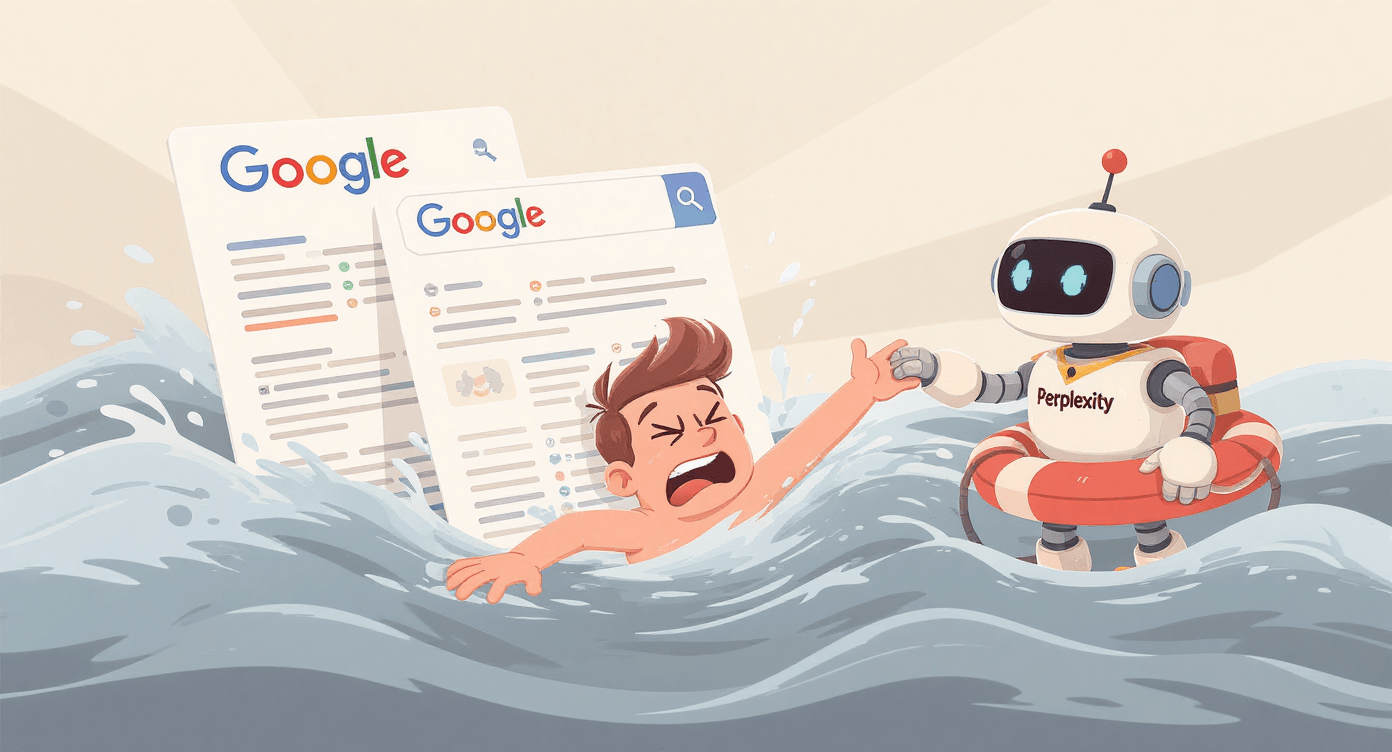
UK-specific win: Instead of trawling through American websites talking about "fall colours," Perplexity understands context and will prioritise UK-relevant results when you search for "autumn marketing trends."
Pricing: Free with 5 searches/day | Pro at £16/month for unlimited searches
Real example: Instead of "Here are 10 million results about small business tax relief," you get: "UK small businesses can claim up to £1,000 annual investment allowance for AI software, with additional R&D tax credits available..." with links to actual HMRC guidance.
🎨 The Creative Confidence Boosters
Because not everyone was blessed with an eye for design or a way with words (and that's perfectly fine).
5.Canva AI - Design for the Aesthetically Challenged 🖌
What it does:
Drag-and-drop design tool now supercharged with AI features for generating images, writing copy, and suggesting layouts that don't look like they were assembled by someone who thinks Comic Sans is the height of sophistication.
Perfect for:
Social media posts that don't scream "I designed this during my lunch break using clipart from 2003"
Presentations that won't make your audience question your professional competence
Marketing materials when your design budget is smaller than a London flat

Pricing: Free tier available | Pro at £12/month per person
The AI superpowers:
Magic Write: Generates captions and copy (surprisingly good for British tone)
Background Remover: One-click professional photo editing
AI Image Generator: For when you need "a professional cat in a business suit presenting quarterly results" (we've all been there)
Quick Start: Upload your logo, tell Canva your brand colours, then use Magic Design to generate social posts. Edit the text to match your voice, and you're sorted.
UK context: Canva's AI now recognises British spelling and cultural references, so you won't get marketing copy that sounds like it was written by someone who calls biscuits "cookies."
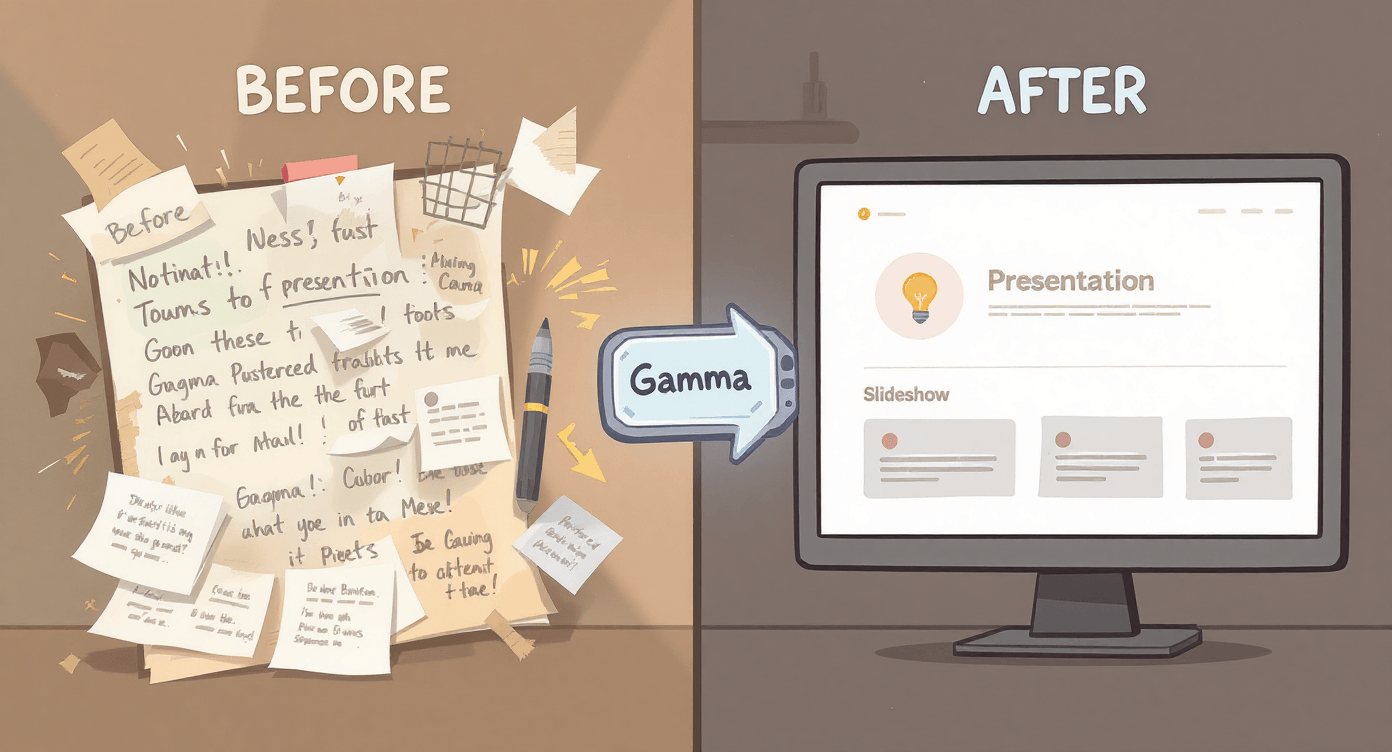
6.Gamma - From Brain Dump to Beautiful Presentation 🧠
What it does:
Transforms your scattered thoughts and messy notes into polished presentations, documents, or web pages without the usual PowerPoint-induced existential crisis.
Perfect for:
Anyone who breaks out in hives at the mention of slide alignment
Turning rough outlines into something your boss might actually compliment
Creating professional-looking content when your design skills peak at "making text bold"
Pricing: Free tier with 3 presentations | Plus at £8/month
Quick Start: Brain dump your presentation ideas in bullet points, paste them into Gamma, choose a style, then spend your saved time practising your delivery instead of faffing with fonts.
📞 The Business Communication Lifeline
7.Rytr - Your Writing Assistant That Doesn't Write Like a Robot ✍
What it does:
Generates solid first drafts for blogs, product descriptions, emails, and social media captions when the blank page is winning the staring contest and your deadline is approaching faster than a London bus in rush hour.
Perfect for:
Small business owners wearing 17 different hats (and juggling just as many responsibilities)
Anyone who needs to write regularly but finds getting started harder than explaining Brexit to your American friends
Creating multiple variations of copy to test what actually converts
Pricing: Free for 10,000 characters/month | Saver at £7/month
British bonus: Rytr's AI understands UK English, cultural nuances, and won't suggest you "reach out" when you mean "contact" or tell people to have "a great day" when "cheers" will do perfectly.
Quick Start: Use the "Email" template with tone set to "Professional but friendly." Input: "Declining a meeting politely." Output: Perfectly British professional courtesy without the awkwardness.
Realistic expectations: It won't pen the next Great British Novel, but it's brilliant for:
Breaking through writer's block faster than a strong cup of tea
Generating multiple variations to A/B test
Handling routine copy so you can focus on strategy
Creating first drafts that don't make you want to hide under your desk
Understanding What is Machine Learning can help you get better results from tools like Gamma and Rytr - they're pattern-matching machines that improve with better input.
🎯 Ready to level up your AI writing game? Our The SPARK Method digital product shows you exactly how to get consistently brilliant results from any AI writing tool. No more generic, robotic-sounding dreck.
🧠 Quick fact : AI apps like ChatGPT hit 100 million users in just 2 months - faster than any app in history
🎁 Bonus Tools: For When You've Mastered the Basics (And Not Before)
Critical warning: Don't even glance at these until you're comfortable with the main 7. Tool overwhelm is more real than queue-jumping anxiety at the post office. Focus beats variety when it comes to actually getting results.
🎨 Recraft.ai - Simple AI image generation for blog headers and social posts. Free tier available. Perfect for creating graphics that don't look like stock photo nightmares.
✍️ QuillBot - Paraphrasing and grammar checking that's more sophisticated than your phone's auto-correct having a breakdown. Free with limitations, Premium at £16/month.
📋 Jotform (affiliate) - Form builder with AI assistance for surveys, contact forms, and email signups. Free tier, Bronze at £31/month. Brilliant for UK GDPR compliance.
🤖 Assista (affiliate) - Automates repetitive background tasks like email organisation and social media scheduling. Custom pricing. Like having a digital PA who never calls in sick.
⚖️ The Brutally Honest Reality Check (Because Someone Has to Say It)
Let's set realistic expectations, shall we? No sugar-coating, no Silicon Valley fairy tales.
These AI Tools WON'T:
Replace human creativity and judgement (thank goodness)
Work perfectly on the first try (or even the fifth)
Eliminate the need to actually think and learn
Magically transform you into an overnight expert
Do your job for you while you sip Pimm's in the garden
Make you immune to the occasional spectacular failure
These AI Tools WILL:
Save you time on routine, soul-crushing tasks
Help you get unstuck when inspiration has gone on an extended holiday to the Bahamas
Handle the boring bits so you can focus on strategy and actual creative thinking
Give you a competitive edge if you use them consistently
Make certain aspects of work noticeably less painful
Allow you to punch above your weight professionally

🎯 The Bottom Line (Because We're British and We Get to the Point)
The future isn't about collecting AI tools like Pokémon cards or trying to use every shiny new application that launches (there are literally hundreds now, multiplying faster than rabbits in springtime).
It's about finding the few that solve your specific problems and learning to use them well enough that they genuinely make your working life easier, not more complicated.
The uncomfortable truth: Most people who claim to be "AI-powered productivity machines" are actually just very busy being busy. The real winners are quietly using 3-4 tools really well while everyone else is having digital FOMO about the latest AI unicorn startup.

Start small, be patient with yourself, and remember: the goal isn't to become an AI expert overnight (unless that's your actual job). It's to make your real work a little easier, more efficient, and dare I say it, occasionally more enjoyable.
The AI revolution isn't about the tools themselves - it's about having more time and mental energy to focus on the uniquely human stuff that actually moves the needle. Strategy, creativity, relationships, problem-solving - that's where the magic happens.
Your homework: Pick one tool. Use it for one specific task. Master that before moving on. Revolutionary? No. Effective? Absolutely.
📩 What's your biggest challenge when it comes to trying new productivity tools? Drop me a line - I read every email and often turn common struggles into helpful blog posts that might save others from the same headaches.
Ready to stop feeling overwhelmed by AI and start making it work for you?
Get our Free Beginner Cheat Sheet – no jargon, no hype, just practical tools and tips to start using AI with confidence. Join thousands of creators and small business owners learning to work with AI, not against it.
Ready to take it further?
Unlock The SPARK Method - proven templates and systems that turn chaos into clarity. Learn how to prompt smarter, create faster, and finally put AI to
work for you.
Because life’s too short for over-complicated tech and even shorter for pretending to be productive.
No Jargon AI
Making AI make sense - one prompt at a time
Declaration
Some links on this site are affiliate links.
I may earn a small commission, but it doesn't
cost you anything extra.
I only recommend tools i trust
Thank you for your support
Socials
Location
Based in Mansfield, Nottinghamshire
Simplifying AI for beginners, no matter
where you're starting from.
All Rights Reserved.