Creator Command Centre: I Quit Content Creation Twice Before Building This System
Estimated read time: 10-12 minutes
📜 The Notion Template That Prevents Sunday Evening Content Panic
I've quit content creation twice in the last two years.
Not "took a break." Not "went on hiatus." Properly quit. Deleted scheduling apps, stopped posting, told myself I was done with the whole bloody circus.
Both times followed the same pattern:
Week 1: Excited. Posting everywhere. TikTok, Instagram, Facebook, two blogs. All the platforms. This is it. This time I'm consistent.
Week 3: Getting behind. Content ideas in ChatGPT conversations I'll never find again. Vague plan in my head about what to post. Making it up as I go.
Week 6: Sunday evening panic. Need three pieces of content for tomorrow. It's 9 PM. Haven't started. Kids need putting to bed. Can't be arsed.
Week 7: Posted nothing for three days. Feeling guilty. Feeling like a failure. Not seeing any results anyway. What's the point?
Week 8: Quit.

The worst bit? I blamed myself both times. "I'm not disciplined enough." "I don't have enough time with the kids and work." "Other people manage, why can't I?"
Third time starting, I realised something: The problem wasn't me. It was my complete lack of system.
What you'll find here:
Why content creators actually quit (it's not what you think)
The burnout cycle nobody talks about honestly
How I finally broke the pattern
The system that prevents the Sunday panic
Real talk about consistency without the toxic productivity bollocks
New to content creation systems? Start with How to Use AI: 4 Simple Ways for the basics.

Try This Right Now
Open your notes app. Scroll through your content ideas.
How many say something useless like "TikTok idea" or "Instagram post" with zero context about what the idea actually was?
I'll wait.
Right. That's the problem we're fixing

📵 Why Content Creators Actually Quit (And Why Nobody Admits It)
Here's what every productivity guru won't tell you: Most content creators quit not because they lack motivation, but because they're trying to remember everything whilst also being creative.
Your brain can't do both.

My First Quit (A Few Months In)
Started with enthusiasm. Had ideas. Excited about building an audience.
Posted to TikTok, Instagram, Facebook. Creating content across multiple platforms because apparently I enjoy making life complicated.
Week 1: Seven TikToks, five Instagram posts, several pieces of content. Felt unstoppable.
Week 2: Slightly behind. No problem, I'll catch up.
Week 3: Haven't posted for two days. Kids had swimming. Work was busy. Life happened.
Week 4: Behind on everything. Promised content I never delivered. Felt like fraud.
Week 5: Not seeing any results anyway. Views are rubbish. Engagement is non-existent. What's the point of all this effort?
Week 6: Quit.
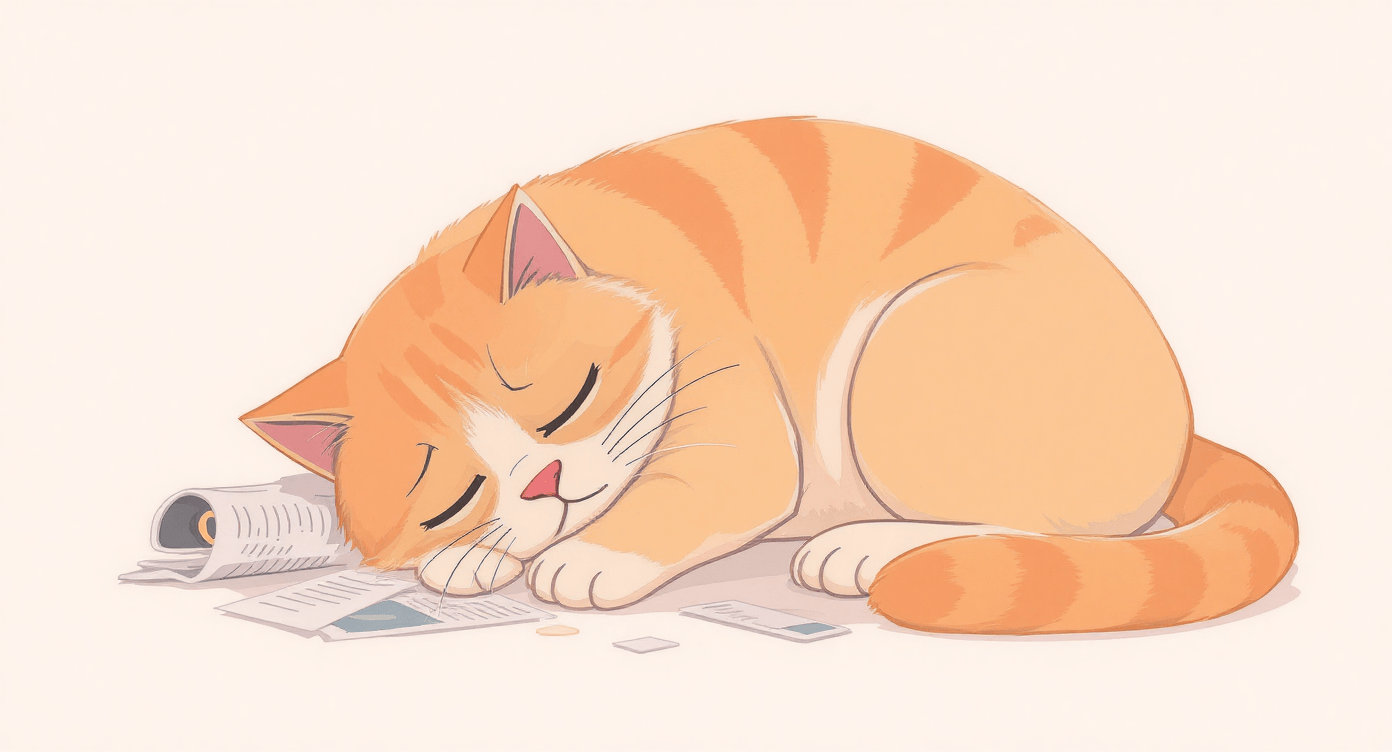
Deleted scheduling apps. Stopped posting. Felt relief mixed with failure.
The Lie I Told Myself
"I don't have enough time."
Technically true. I have kids, full-time work, life happening constantly.
Actually true? I had no system for capturing ideas, planning content, or seeing what was actually ready to post. I was winging it daily and calling it "being spontaneous."
Winging it works for about three weeks. Then it becomes exhausting.
My Second Quit (A Few Months Later)
Thought I'd learned from first time. This time would be different.
Spoiler: It wasn't.
Same pattern. Excited start. Posting everywhere. Behind by week three. Quit by week seven.
The double whammy: Not seeing results whilst getting behind. Creating content nobody's watching whilst also falling behind schedule. That combination is lethal.
The making excuses phase: "I have kids." "I work full-time." "I don't have a home office." All true. Also irrelevant. Plenty of people with kids and jobs create content consistently. The difference? They have systems.
What Actually Makes Creators Quit
Not lack of ideas (you have hundreds in your head right now)
Not lack of time (you waste hours scrolling TikTok you could spend creating)
Not lack of ability (you can create good content, you've proved it)
The real reason: Trying to hold your entire content strategy in your brain whilst also:
Remembering what you've already posted where
Tracking what ideas you had
Knowing what's drafted versus what's just a thought
Deciding what to create today
Feeling guilty about what you haven't created
Your brain melts. You quit. Tale as old as time.
🔥 52% of content creators have experienced burnout as a direct result of their careers, with 37% actively considering quitting the industry altogether Cosmeticsdesign-europe, according to research from Billion Dollar Boy (July 2025).
❤🔥 The Burnout Cycle Nobody Talks About
Here's the pattern every content creator experiences but nobody admits:
Phase 1: Enthusiastic Start
Post everywhere
Feel productive
Tell everyone "I'm building my brand"
Actually enjoy creating
Duration: 1-3 weeks

Phase 2: The Slip
Miss one day (legitimate reason)
Miss two days (busier than expected)
Miss three days (now feeling behind)
Still telling yourself it's fine
Duration: 1-2 weeks

Phase 3: The Scramble
Sunday panic becomes normal
Making content at 11 PM
Quality drops because you're rushing
Posting just to post, not because it's good
Duration: 2-3 weeks

Phase 4: The Guilt
Haven't posted for several days
Feel like failure
Avoid opening scheduling apps
Still consuming content, not creating it
Promising yourself "tomorrow I'll get back on track"
Duration: 1-2 weeks
Phase 5: The Quit
Official or unofficial
Delete apps or just stop opening them
Feel relieved initially
Feel like fraud afterwards
Tell yourself "I'll start again when I have more time"
Duration: Varies (I went a few months between attempts)
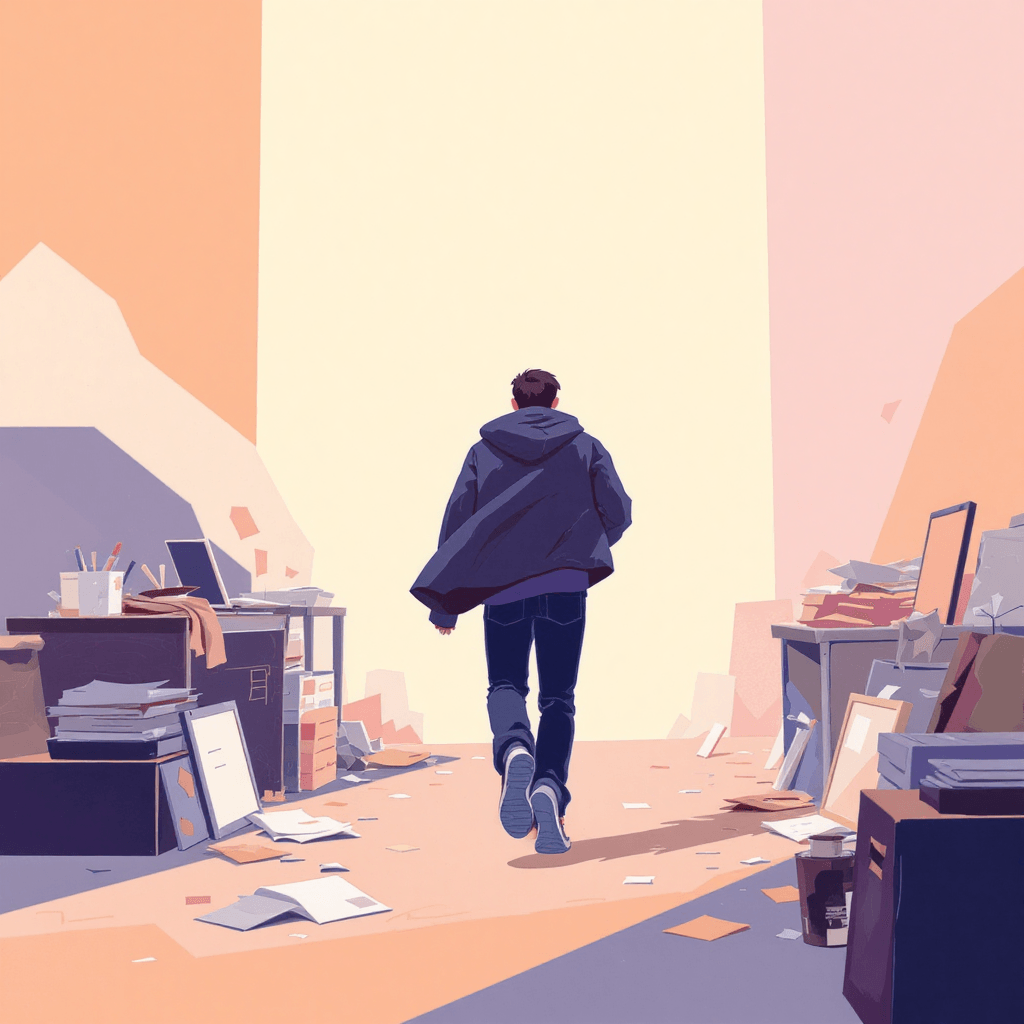
Phase 6: The Restart
Get inspired by someone else's success
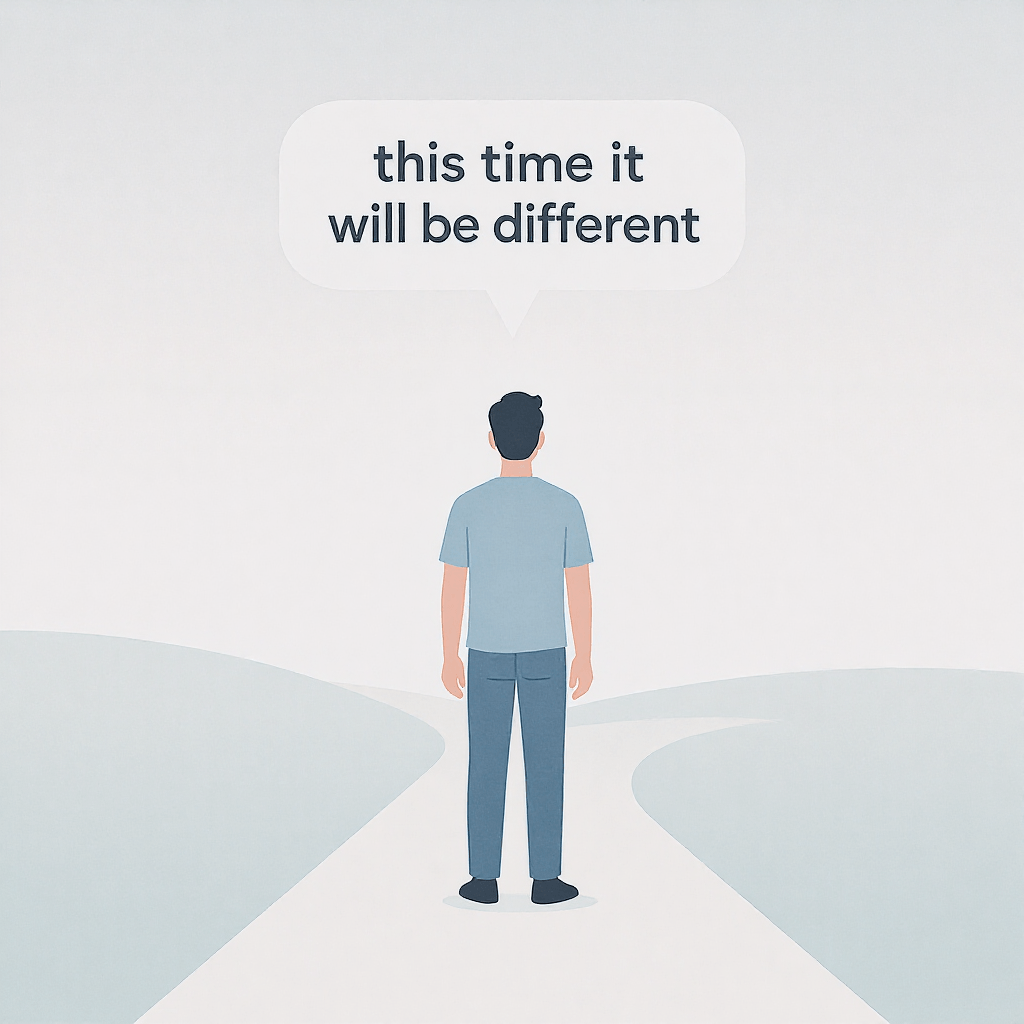
"This time will be different"
Have vague plan about being "more organised"
Return to Phase 1
Repeat entire cycle
The brutal truth: I did this twice before admitting the cycle itself was the problem.
😡 The Third Time I Quit (Or: When I Finally Got Angry)
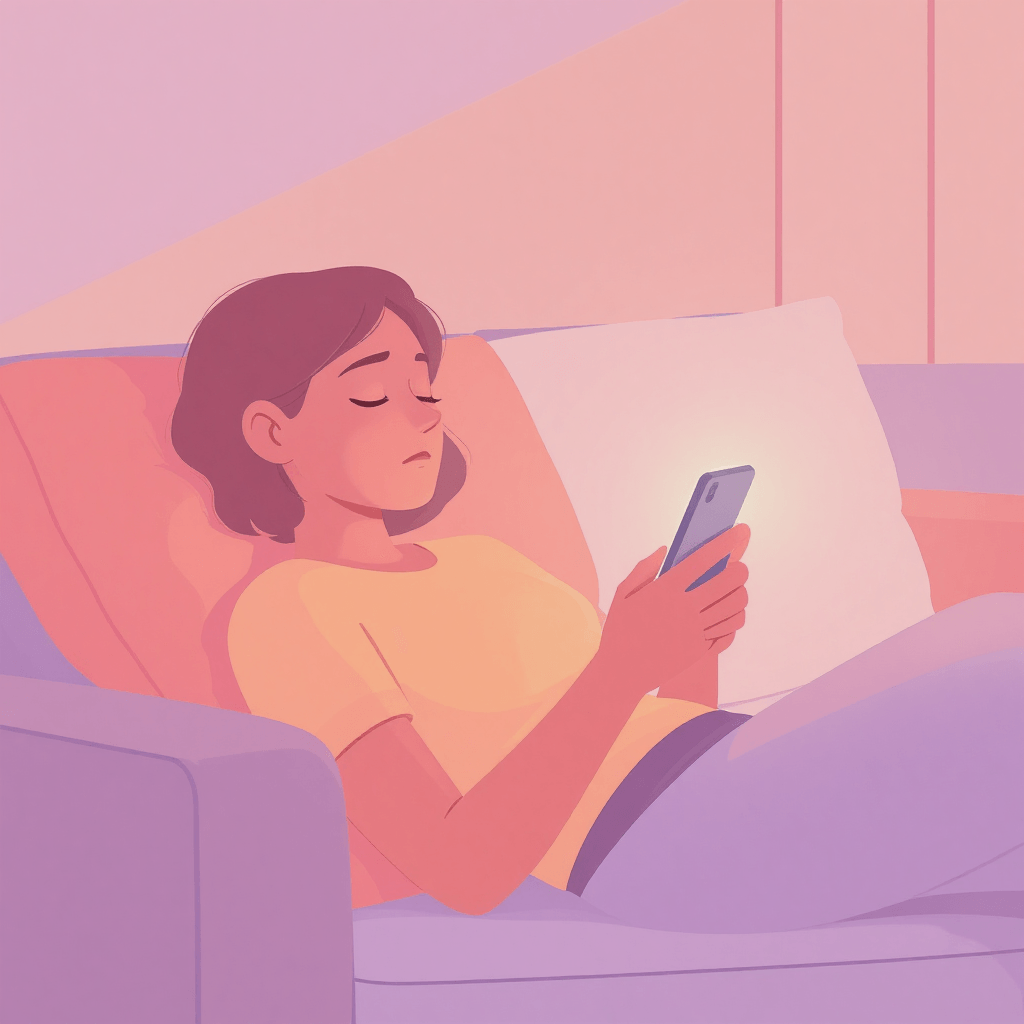
A few months into my second attempt. Behind again. Sunday evening again. Kids finally in bed. Should make content. Sitting on sofa staring at phone. Can't be arsed.
That's when it hit me: I was about to quit for the third time using the exact same non-system that failed twice before.
Definition of insanity, that.
Got angry. Not at myself. At the situation.
I had ideas. Hundreds of them. Somewhere in ChatGPT conversations I'd never find. In my head. In random phone notes titled "Content idea" with zero context.
I had drafts. Kind of. Thoughts I'd started. Things half-written. No idea what was actually ready to post versus what was just a few sentences.
I had a schedule. Sort of. In my head. Vague notion of "post three times this week." No idea what, when, or for which platform.
The moment everything changed: I realised I didn't need more motivation. I needed to stop trying to remember everything and start writing it down properly.
What I Built That Night
Not fancy. Not perfect. Just functional.
Opened Notion. Created what eventually became Creator Command Centre.
Core principle: Get everything out of my brain and into one place I could actually see.
Content Calendar: See what's an idea, what's drafted, what's scheduled, what's posted. Kanban board: Idea → Draft → Scheduled → Posted. Visual. Clear. No more "I think I posted that already?"
Re-purposing Tracker: That blog post? Becomes five TikToks, three Instagram posts, one carousel. Not creating from scratch every time. Working smarter, not harder.
Idea Bank: Separate database for raw ideas. Capture immediately instead of "I'll remember that brilliant thought." (Narrator: You won't remember.)
Platform Income Tracker: Which platforms might actually pay someday. Ad revenue, affiliates, brand deals. Track where effort goes versus what returns.
AI Prompts: Write 5 TikTok hooks. Re-purpose blog into Reels. Write carousel captions. Summarise YouTube transcript. The stuff you do repeatedly, templated.
Setup took two hours on a Tuesday evening. Changed everything
🚀 What Actually Changed (The Honest Version)
Before: Sunday panic about Monday content. Wednesday scrambling through phone notes. Friday hunting for that Tuesday idea I definitely had but can't remember.
After: Sunday sorting takes 10 minutes. Wednesday content's already scheduled. Friday idea is captured in Idea Bank with actual context.
Result: 8 months consistent. Previous record: 8 weeks before quitting.
Time investment: 2 hours setup. 10-15 minutes daily. Same content creation time, but it actually gets posted instead of abandoned in scattered notes
🚨 The Re-purposing Revelation
Here's what I was doing wrong for two attempts: Creating everything from scratch, every time, for every platform.
One blog post = one piece of content.
Mental.
What I do now:
Write one SimplifyAI blog post (2,500 words)
Becomes:
5 TikTok videos (different angles from same content)
3 Instagram carousels (key points visualised)
5 Instagram/Facebook posts (quotes and insights)
3 Reels (hooks and main points)
1 YouTube Short (best clip)
Pinterest pin (visual summary)
One piece of content. 17 posts. Tracked in Re-purposing Tracker so I know what's done.
Before: Creating 17 separate pieces of content. Exhausting. Unsustainable. Why I quit.
After: Creating one good piece, re-purposing strategically. Sustainable. Why I haven't quit.
📱 Creators who post at least once a week for 20+ weeks see 450% more engagement per post than those posting fewer than 5 times over the same period. Even 5-19 weeks of consistency yields 3.4× more engagement Ahrefs, according to Buffer's 2025 research.

Tools that make this possible:
Gamma - Turn blog post key points into carousel slides. Gamma takes my bullet points and creates visual slides in five minutes. One blog post becomes three carousel posts without spending hours in Canva questioning my design skills.
For video re-purposing, pick what fits your content type:
AutoShorts.ai - Best for re-purposing existing long-form video content. AutoShorts takes your YouTube videos or recordings and automatically creates short-form clips. Brilliant if you already create video content and want to slice it into TikToks/Reels without manual editing.
HeyGen - Best for creating AI avatar videos from text. HeyGen turns your written content into videos with AI presenters. Perfect if you hate being on camera but need video content. Write the script, AI presents it. Less authentic than real you, but better than no video content at all.
AdCreative.ai - Best for static graphics and ad visuals. AdCreative generates visual content for posts and ads. Not video, just graphics. Good when you need something visual quickly without design skills.
How to choose:
Already recording videos? → AutoShorts
Want video content but hate being on camera? → HeyGen
Just need graphics for posts? → AdCreative
Start with one. Add others only when first one doesn't solve your specific problem.
The honest difference: AutoShorts repurposes video you've already made. HeyGen creates new video from text. AdCreative makes static graphics. Pick based on what you're actually creating. Don't buy all three thinking more tools equals better results.
Rytr - Quick captions and copy when you can't be arsed writing. Rytr handles the bits where you don't want to think. Need three variations of the same Instagram caption? Done in 30 seconds.
Systeme.io - Where everything actually lives and gets published. Systeme.io hosts both my blogs, handles email marketing, processes payments. Means my content system connects to where content actually goes instead of living in isolation.
Honest truth about these tools: You don't need them all immediately. I added them gradually as I got frustrated by specific problems. Start with free versions. Upgrade only when limitations genuinely bother you. Pick tools that match your actual content type, not what you think you should be creating.
🫵 The Consistency Reality Check Nobody Gives You
Here's what productivity gurus won't tell you:
Being consistent and not seeing results is completely normal.
I posted for a month and a half the first time. Thought that was "consistent enough." Expected results. Saw nothing. Quit.
Second time, similar story. Four months. Some traction. Not enough. Behind schedule. Quit.
Third time? Different mindset entirely.
What I finally understood:
Posting for a month isn't consistency. It's a trial.
Posting for six months is getting started.
Posting for a year is when things might actually happen.
Most creators quit at month 2-4, right before the algorithm would notice them.

What "Showing Up for a Year" Actually Means
Not posting perfectly every day.
Not creating masterpieces constantly.
Just not quitting.
My current reality:
Made a month and a half of content in one focused day
Scheduled it all using content schedulers
Started with one format (TikTok)
Got fairly quick at it
Added Pinterest second
Not trying to master everything simultaneously
The breakthrough: Realised hoping to quit my job in six months was why I kept quitting. The timeline was wrong.
Realistic timeline:
Months 1-3: Figure out what you're doing, build system
Months 4-6: Get consistent without perfection
Months 7-12: Algorithm starts noticing, traction builds
Year 2: Actual results that matter
Showing up for a year doesn't mean working yourself to death. It means having a system that prevents burnout so you CAN show up for a year.
What This System Won't Fix
Right, brutal honesty time about limitations.
This WILL:
Stop you losing brilliant ideas in the ChatGPT void
Give you clear view of what's ready to post versus what's just thoughts
Make re-purposing content actually manageable instead of theoretical
Reduce Sunday panic about Monday content
Help you not quit for the third time
This WON'T:
Make you suddenly love creating content every day (some days you still won't want to)
Guarantee viral success (nobody can promise that)
Work if you don't actually use it (it's a system, not magic)
Give you more hours in the day (still need to do the work)
Make results appear faster (consistency takes time, system just makes consistency possible)
The actual requirement:
Setup: 2 hours initially
Daily: 10-15 minutes capturing ideas and updating status
Weekly: 1-2 hours batch creating content
That's it. That's the commitment.
Reality check about family and time: I have kids. Full-time work. Life that's constantly busy. This system doesn't give me more time. It stops me wasting time I do have by scrambling and feeling guilty.
If you're looking for system that requires zero effort and magically makes you a successful creator, this isn't it.
If you're looking for something that prevents the quit → restart → quit cycle by getting the organisational chaos out of your brain, keep reading.

First month expectations:
Week 1: Excited about new system
Week 2: Forget to update it at least twice
Week 3: Starting to use it naturally
Week 4: First time you avoid Sunday panic because content's already scheduled
That's normal. That's how habit formation works. Stick with it.
❌ Getting Started Without My Two Failed Attempts
You've got two options.
Option 1: Build it yourself
Time investment: 5-10 hours figuring out structure
Cost: Free plus your time and trial-and-error
Learning curve: Steep (lots of "how should I organise this?" questions)
Risk: Building something you abandon in three weeks
Option 2: Use the template I built through two quit cycles
Time investment: 2 hours setup
Cost: £15 (less than fancy takeaway)
Learning curve: Tutorial walks you through everything
Risk: Minimal, you're organised by this evening
Honest assessment: If you enjoy building systems and have 10 hours spare, build it yourself. If you just want to stop quitting content creation, use the template.

What's In Creator Command Centre
Complete Notion template including:
✅ Content Calendar with Kanban workflow (Idea → Draft → Scheduled → Posted)
✅ Repurposing Tracker (see what content you've reused where)
✅ Idea Bank (separate database for raw ideas with context)
✅ Brand Collaborations Tracker (when you finally get those deals)
✅ Platform Income Tracker (ad revenue, affiliates, brand deals by platform)
✅ Collaboration Kit (media kit template, pitch templates)
✅ Content-focused AI prompts (TikTok hooks, carousel captions, repurposing prompts)
✅ Assets Library (store links to Canva templates, images, brand assets)
✅ Step-by-step tutorial ("How to Use Your Creator Command Centre")
What you get immediately:
No more losing ideas in random places
Clear view of what's ready versus what's just thoughts
Re-purposing strategy that actually gets used
Less Sunday panic, more content consistency
System designed specifically to prevent burnout and quitting
Investment: £15 one-time payment
Setup time: 2 hours
Time saved weekly: 3-5 hours not scrambling or feeling guilty
Actual value: Not quitting for the third time = priceless
Get Creator Command Centre Template → Instant access via Gumroad. Duplicate to your Notion workspace. Start creating without the burnout today.

📆 Your First Two Weeks (Realistic Expectations)
Day 1: Setup (2 hours)
Duplicate template to your Notion
Move all random content ideas into Idea Bank (yes, even the ones that just say "TikTok idea" with zero context - we'll fix that)
Add any drafted content to calendar
Set up your platforms in income tracker
Day 2-3: Brain Dump (1 hour total)
Capture every content idea currently in your head
Move ideas from ChatGPT conversations you can actually find
Transfer phone notes that have any useful context
Don't worry about organisation yet, just get it out of your brain
Day 4-5: First Content Batch (2-3 hours)
Pick 3-5 ideas from Idea Bank
Draft them in your preferred format
Move to "Draft" column in calendar
Feel organised for approximately 6 hours
Day 6-7: Schedule First Week (1 hour)
Take drafted content
Schedule using your preferred tool
Move to "Scheduled" in calendar
Experience unusual feeling of being prepared
Week 2: Reality Sets In
Forget to update calendar at least twice
Capture one idea immediately instead of losing it (small win)
Still feel urge to scramble Sunday evening (but have content ready so don't need to)
Starting to trust the system
Week 3-4: Habit Formation
Using Idea Bank naturally when inspiration hits
Checking calendar becomes automatic
First time you re-purpose one piece into multiple posts
Notice you haven't felt guilty about content in two weeks
Month 2: The Breakthrough
Haven't quit
That's genuinely the metric that matters
System is working not because it's perfect but because you're using it
Success metric: When you stop scrambling Sunday evenings and start casually checking what's already scheduled.
🤔 Questions You're Probably Thinking
"Will this stop me from quitting again?"
It stopped me quitting a third time. Can't guarantee it'll work for you, but the difference is having somewhere to put ideas instead of your brain, and seeing what's actually ready instead of guessing.
"What if I'm already behind on content?"
Perfect time to start. System doesn't judge you for being behind. It just helps you see what actually needs doing versus what you're imagining needs doing.
"Do I need all those AI tools?"
No. Start with free versions. Add paid tools only when genuinely frustrated. I added them gradually over months, not all at once.
"What if my workflow's completely different?"
Customise it. Delete sections you don't need. Add sections you do. The template is the starting point, not prison. Make it work for how you actually create.

"Is £15 worth it?"
You'll spend more than that on coffee this week. This prevents you quitting for the third time and having to restart from zero. Again. That's worth significantly more than £15.
"What if I'm not seeing results after 3 months?"
Then you're exactly on track. Months 1-3 are building phase. Algorithm doesn't care about you yet. That's normal.
The system doesn't make results appear faster. It makes staying consistent long enough to get results actually possible.
Month 3 versus Month 9 will look completely different. But only if you make it to Month 9 instead of quitting at Month 3 like I did. Twice.
"What if I buy it and still quit?"
Possible. But you'll quit with slightly less guilt because at least you tried a proper system instead of winging it and hoping.
"Will you judge me for quitting twice already?"
Absolutely not. I quit twice. Most creators quit multiple times. The ones who "never quit" are either lying or haven't been creating long enough yet.
🎯 Bottom Line
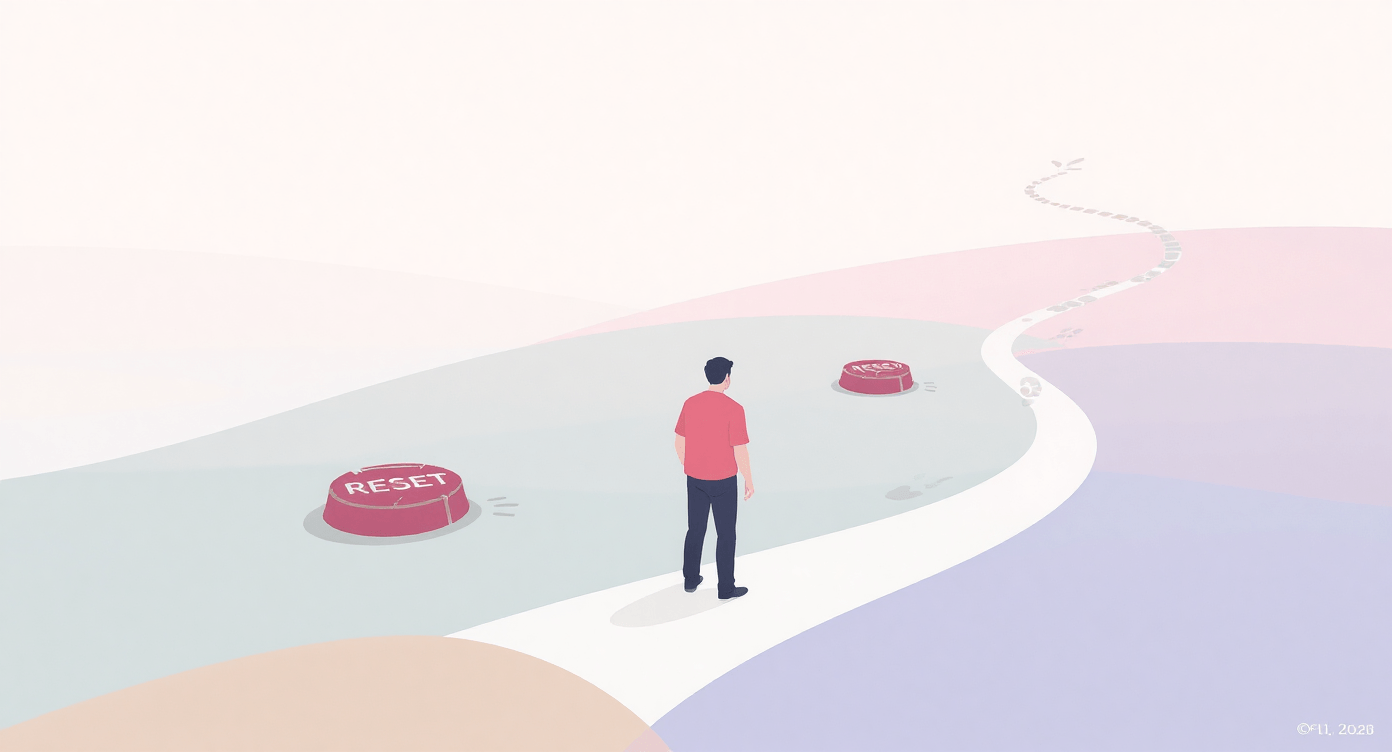
I quit content creation twice in two years using the exact same non-system that failed both times.
Third attempt, I got angry. Not at myself. At trying to remember everything whilst also being creative.
Your brain can't do both.
Built Creator Command Centre to stop the quit cycle. Get ideas out of your head. See what's actually ready. Make re-purposing manageable. Reduce Sunday panic.
Eight months later, haven't quit. That's genuinely the achievement.
Not posting perfectly. Not going viral. Not building massive audience yet.
Just not quitting.
Because I finally admitted the problem wasn't discipline. It was trying to hold my entire content strategy in my brain whilst also having kids, work, and life happening constantly.
Your choice: Keep doing what you're doing (how's that working out?), or spend £15 and 2 hours getting organised in a way that might actually prevent the next quit.
The quit cycle will still be there tomorrow. It always is.
Related reading: How to Use AI: 4 Simple Ways | 7 Beginner-Friendly AI Tools | 5 Common AI Mistakes
About SimplifyAI: I help UK solopreneurs understand and use AI tools without the overwhelm or productivity guru bollocks. Based in Mansfield, Nottinghamshire. Running two blogs, creating templates, trying not to lose my mind. Sometimes succeeding.

Simplify AI
Making AI make sense -- one prompt at a time
Declaration
Some links on this site are affiliate links.
I may earn a small commission, but it doesn't
cost you anything extra.
I only recommend tools i trust
Thank you for your support
Socials
Location
Based in Mansfield, Nottinghamshire
Simplifying AI for beginners, no matter
where you're starting from.
All Rights Reserved.