How to Use AI: 4 Simple Ways for Beginners (2025 Guide)
Estimate read time - 10 minutes
🪛 No Experience Required - Try These Free AI Tools in 10 Minutes
Right, so you've worked out what AI actually is and realised the robots aren't coming for your job just yet.
But here's what everyone's really thinking: "This sounds useful, but what would I actually do with it? And what if I ask it something completely stupid?"
Here's the thing: there's no such thing as a stupid question when you're learning AI tools. They don't judge, they don't roll their eyes, and they definitely won't make you feel like a muppet.
With over 100 million people now using ChatGPT according to OpenAI's usage statistics (and most of them started as complete beginners), you're in good company. If you're still fuzzy on what AI actually is, don't worry - you can use these tools effectively without understanding the technical bits.
You don't need to understand combustion engines to drive a car, do you?
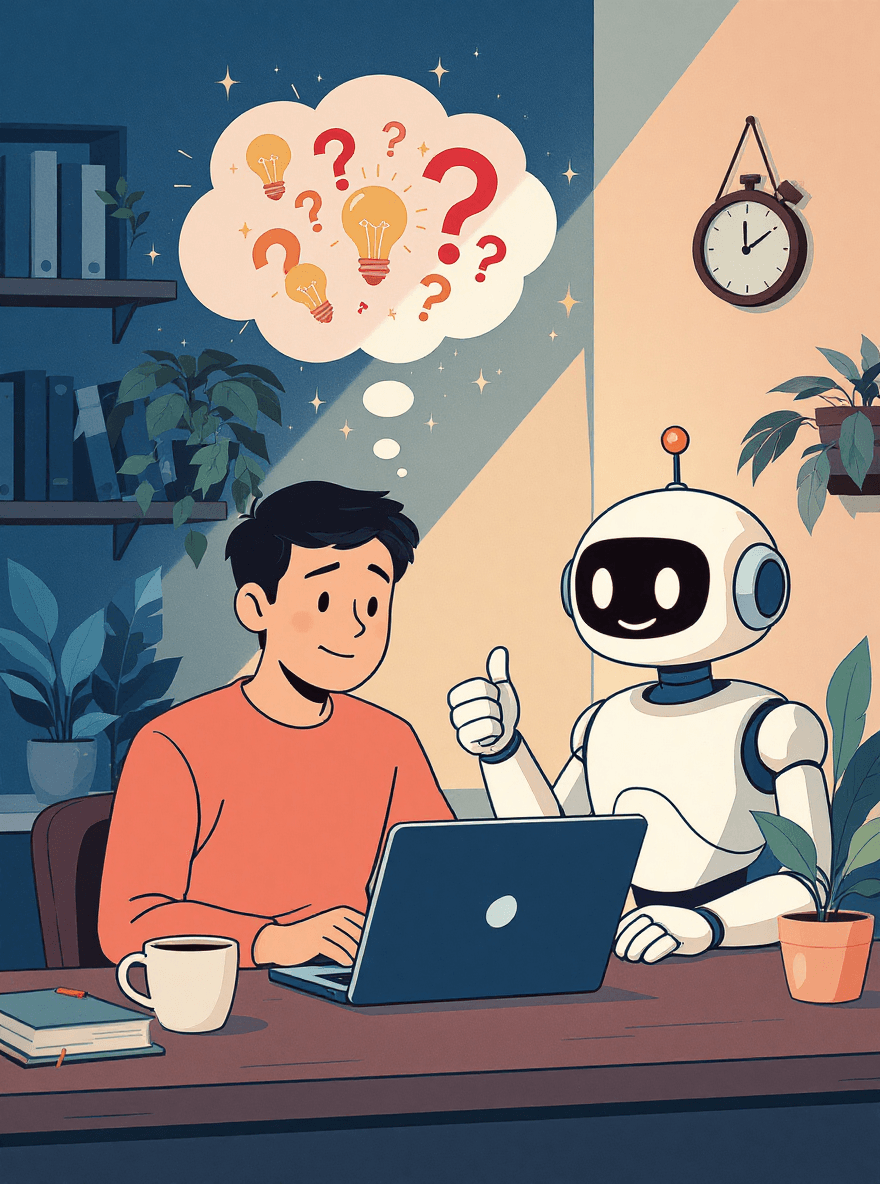

So let's cut through the overwhelming tech talk and show you 4 simple ways to start using AI today. Whether you're using it for ChatGPT prompts, avoiding common AI mistakes, or just figuring out the basics - these 4 methods work for everyone.
These aren't theoretical business applications or workflows that require three training courses to understand.
These are practical, everyday tasks you're probably dealing with right now - writing emails that don't sound awkward, planning your week without losing your mind, or getting actual answers instead of falling down Google rabbit holes.
Simple stuff you can try right now, for free, without any prior experience.
🧠 Quick fact : The average person already uses AI about 12 times per day without realising it ... from predictive text on their phone to Netflix recommendations to spam filtering in their email.
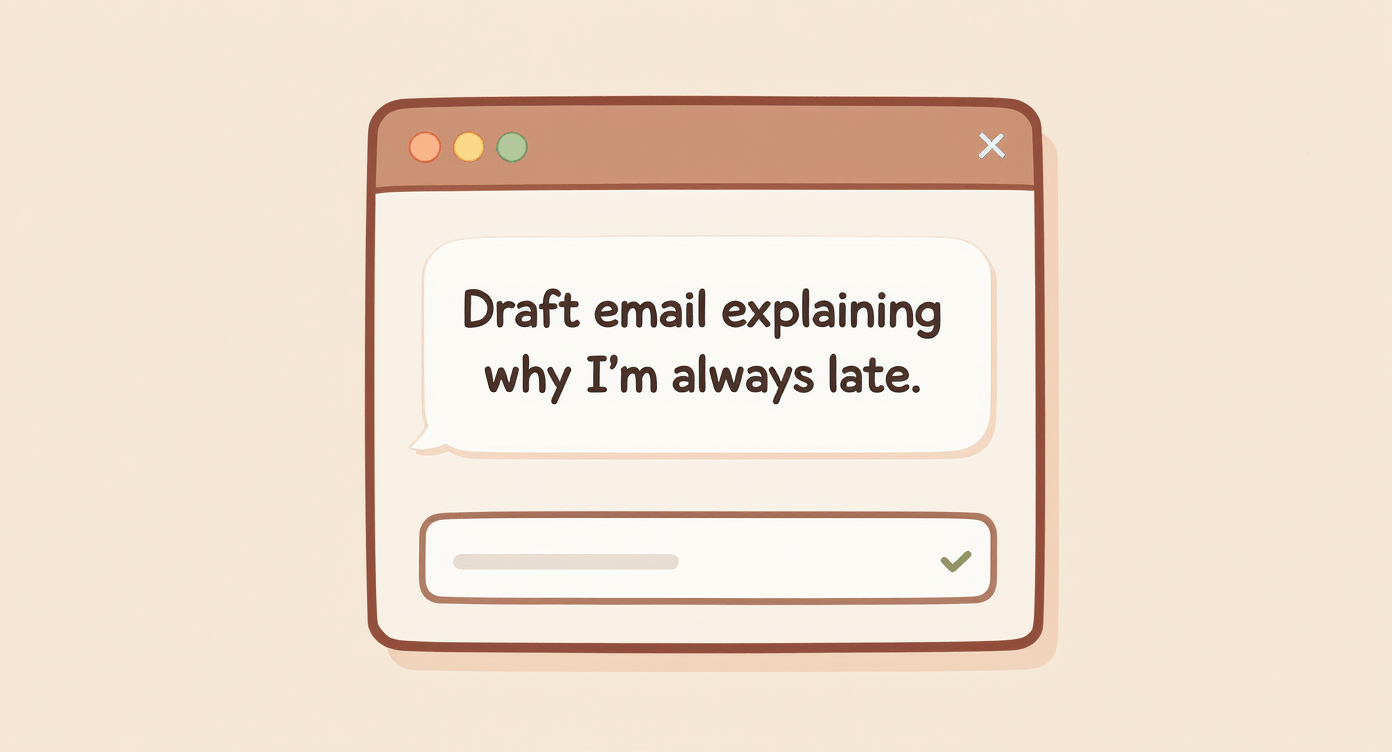
💬 Use AI for Quick Answers (Better Than Google)
Skip the Google Detective Work
Remember the last time you Googled something simple and ended up with 47 tabs open, three different answers, and somehow reading about whether cats can see ghosts? (They can't, but that's beside the point.)
AI tools like ChatGPT work differently. You ask a question like you're talking to a knowledgeable mate, and you get a proper answer back.
Here's exactly what to try:
Open ChatGPT (it's free) copy & paste one of these:
💡 Pro Tip Box:
Start with something you actually need help with right now - AI works best when you're solving real problems, not just testing it out.
"I need to write a birthday card for my 70-year-old dad who loves fishing and terrible dad jokes. Give me 3 options that won't make him cringe"
"Plan a proper weekend in York for two people, £200 budget, we're into history and decent food but not fancy restaurants where you need a mortgage for a starter."
"Explain my ridiculously high winter energy bill like I'm 5 years old, but without making me feel stupid about not understanding tariffs and standing charges."
"I need to complain to my internet provider about speeds slower than a snail having a nap, but I want to sound firm without being a proper Karen about it."
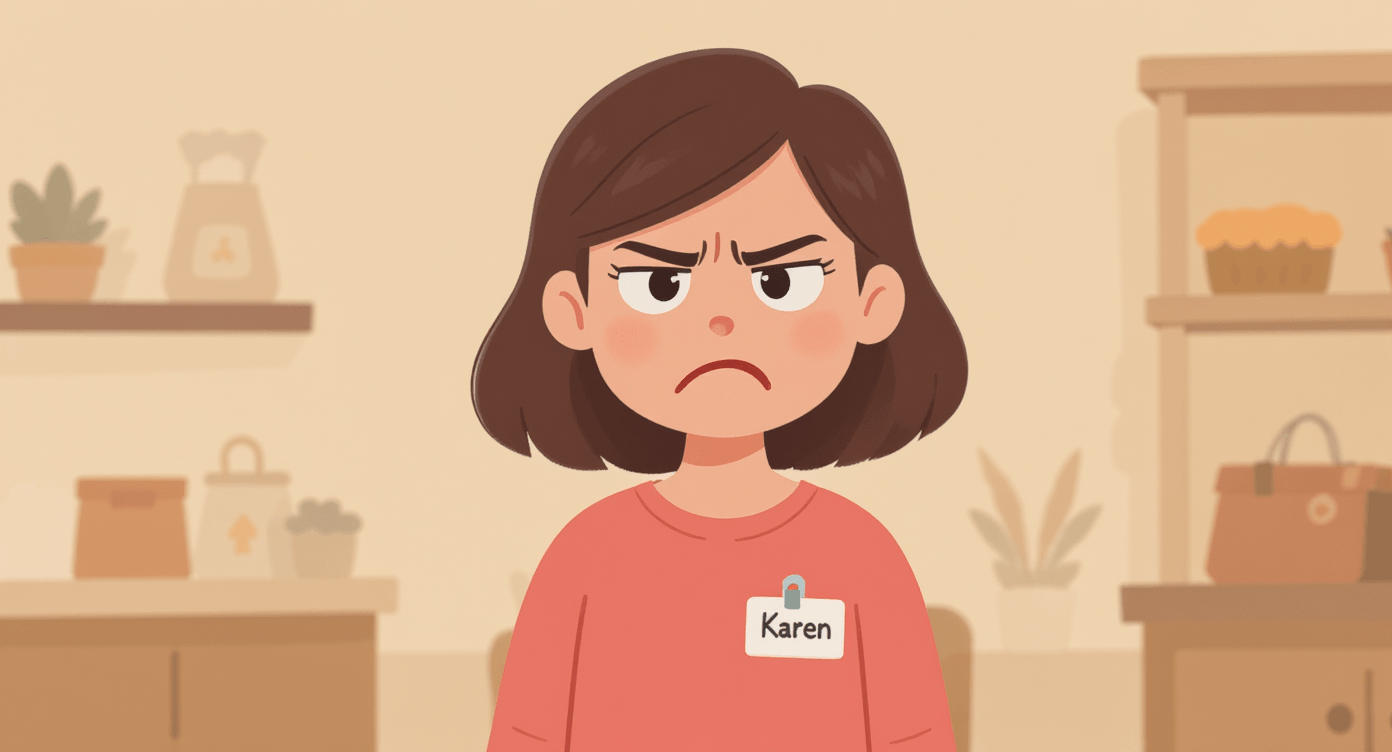
Real Example: Sarah from Manchester was dreading writing a difficult email to her son's headteacher about bullying. She used AI to draft three different approaches - from gentle inquiry to firmer stance.
"It gave me the confidence to actually send something instead of stewing over it for weeks," she told us.
What You'll Get Back
A proper, conversational answer that actually makes sense. The magic bit? You can keep chatting like it's a real person. "Make those birthday card ideas less cheesy" or "What if we've only got £150 for York and one of us is vegetarian?"
Common Beginner Worry: "But what if I ask something really obvious?"
Mate, AI has been asked everything from "How do I boil water?" to "What's the meaning of life?" Your question isn't going to break the internet.
Research from Nature Scientific Reports shows that conversational AI systems perform significantly better when users engage with natural, dialogue-based queries rather than formal technical language.
Pro Tip
Try this exact prompt: "I've got a job interview next week for a marketing role. Give me 5 good questions to ask them that show I'm keen but not desperate."
👉 Want more beginner guidance? Grab our Free Beginner's Cheat Sheet with essential tips, tricks, and beginner-friendly AI tools.
✍️ AI Writing Tools for Emails and Content Creation
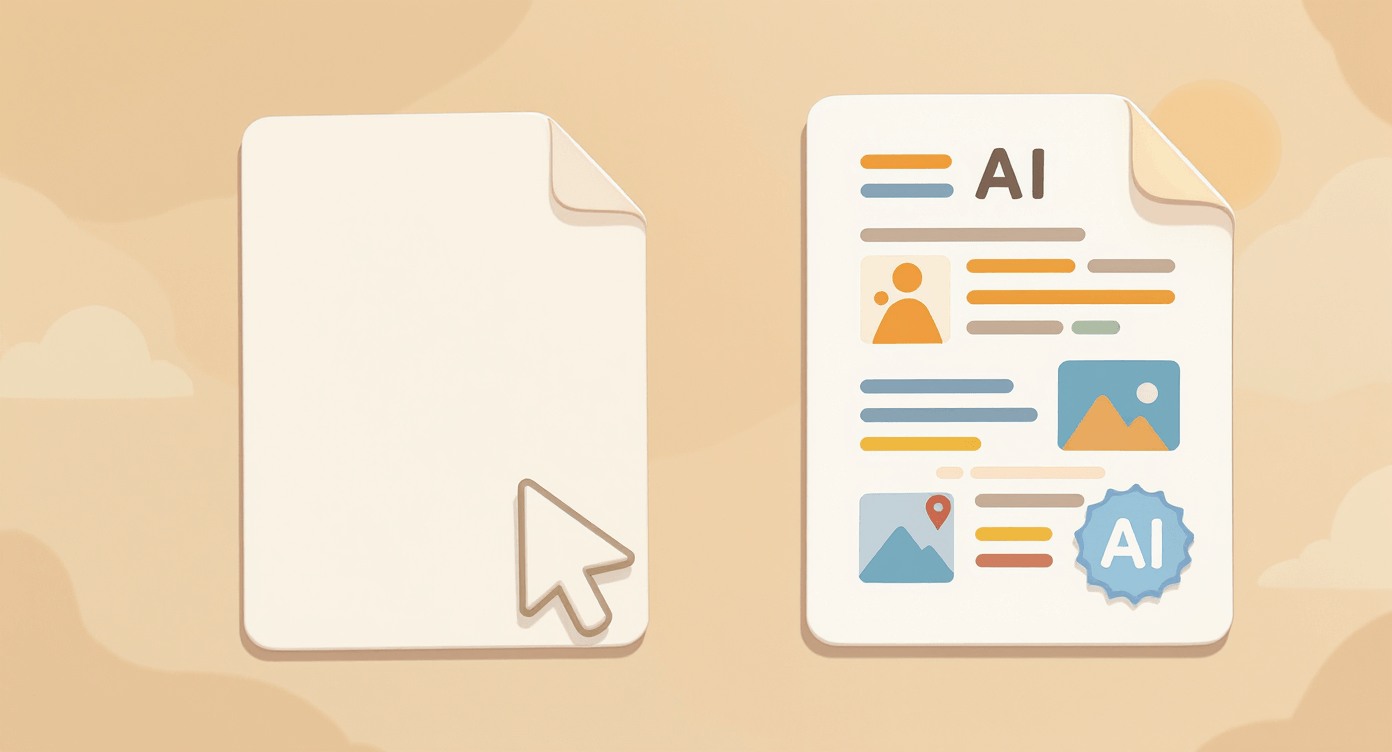
Beat the Blank Page Panic
We've all been there – staring at a blank email wondering how to start, or needing to write something important but having no clue how to sound professional without being boring.
AI doesn't replace your writing – it gives you a solid starting point that you can then make your own.
Copy-Paste Writing Prompts
Copy-paste one of these into ChatGPT or Claude:
💡 Pro Tip Box:
Always tell AI your relationship to the person and the tone you want. "Write like I'm talking to my boss" gets very different results than "write like I'm texting my mate."
"Write a polite but firm email to my landlord about the boiler that's been broken for a week.
I'm getting a bit fed up but don't want to sound like a complete nightmare tenant."
"Draft a text declining my mate's expensive weekend away because I'm properly skint this month, but make it sound like I'm not a total killjoy."
"Help me write a Facebook post announcing my new dog walking service in Sheffield.
Make it friendly and professional but not like I'm trying to sell someone double glazing."
"Write me a professional email asking for a pay rise. I've been in the role 18 months, consistently hit targets, and took on extra responsibilities when Sarah left.
Don't make me sound desperate."
Real Example: Tom, a plumber from Birmingham, needed to write a quote email that sounded professional but not pretentious.
"I gave AI my usual rough notes and it turned my 'Yeah, I can fix your pipes, probably £200-ish' into something that actually won me the job."
What You'll Get Back
A complete first draft that actually sounds human, not like it was written by a robot having an existential crisis. You can then fine-tune it: "Make it more casual" or "Add something about being flexible with timing."
Common Beginner Worry: "What if it writes something completely inappropriate?"
Modern AI is generally quite sensible about tone and context. The worst you'll get is something a bit bland or formal. Just ask it to adjust: "Make this sound less like a legal document."
Research from Stanford's AI Index Report shows that current AI systems are designed with strong safety guidelines and undergo extensive responsible AI evaluations to minimise inappropriate content.
The Secret to Better Results
"Rewrite this email to sound more like me: [paste your draft]. I'm usually pretty direct but friendly, not too formal, and I tend to use humour to soften things."
🎨 AI Image Generation for Beginners (No Drawing Skills Required)
Create Images from Descriptions
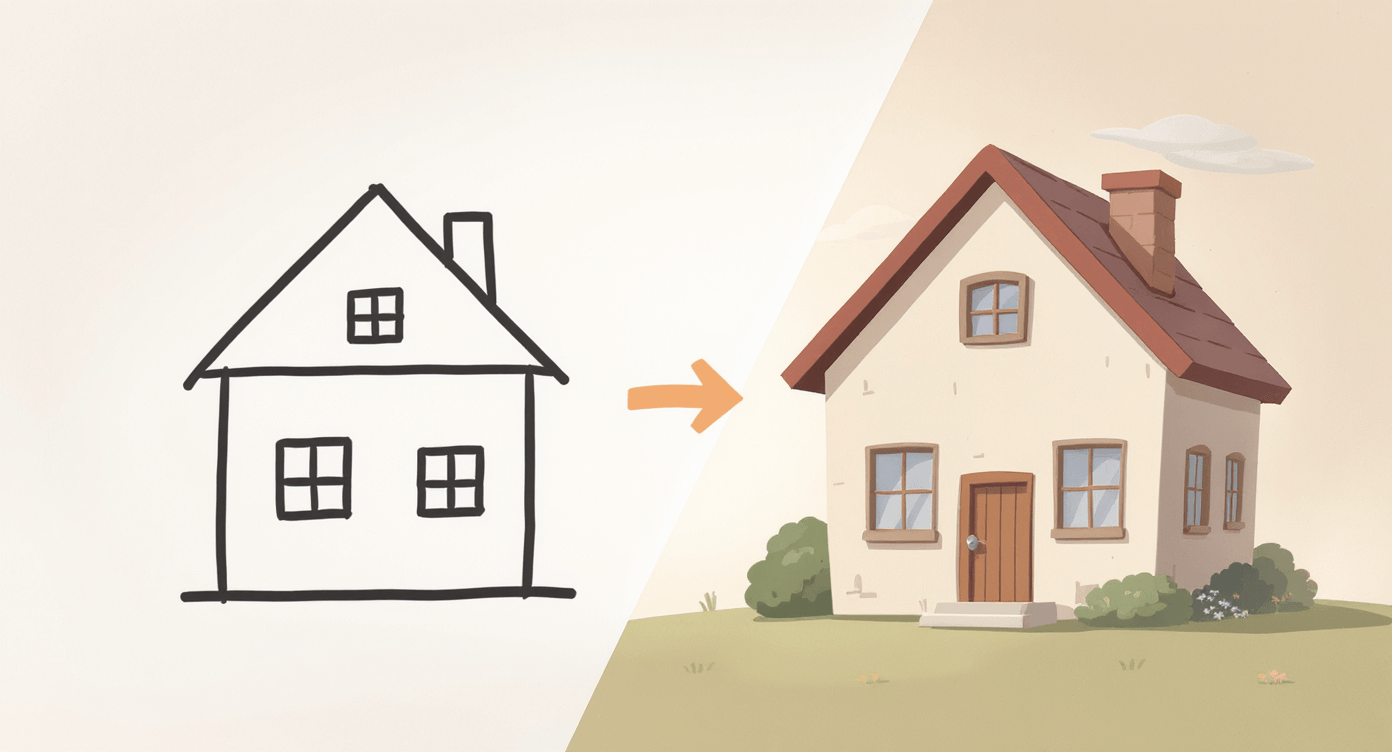
This one feels like proper magic when you first try it. You describe what you want, and AI creates an actual image for you.
It's not going to win any art prizes, and you'll definitely create some absolute horrors while you're learning, but for everyday needs, it's surprisingly useful.
Image Prompts to Try
Copy-paste these into ChatGPT (paid version) or Microsoft Copilot (free):
💡 Pro Tip Box:
The more specific you are, the better your results. Instead of "dog," try "golden retriever puppy sitting in a sunny garden with yellow flowers." AI loves detail!
"Create a simple, friendly logo for my weekend car washing service called 'Squeaky Clean Cars' - maybe a cartoon car with soap bubbles and bright, cheerful colours."
"Design a birthday party invitation for my 8-year-old's dinosaur-themed party.
Include T-Rex, bright colours, and space for party details. Make it fun but not terrifying."
"Make a simple poster advertising homemade jam sales at the local market.
Rustic, homey feel with strawberries and handwritten-style text saying
'Gran's Garden Jams."
"Create a social media image for my fitness classes - outdoor bootcamp style with green space background and text 'Get Fit in the Fresh Air' - motivational but not intimidating."
Real Example: Lisa needed a logo for her cake decorating side hustle but couldn't afford a designer. After three attempts with AI (and some properly weird results involving cakes with too many layers), she got something good enough to use on her business cards. "It's not perfect, but it's mine and it cost me nothing but 20 minutes of giggling at the wonky results."
What You'll Get Back
An actual, downloadable image that's usually good enough for most purposes. Don't expect Michelangelo, but you'll be surprised how decent they often are.
Common Beginner Worry: "What if it creates something absolutely hideous?"
It probably will, at least once. AI image generation can produce some properly bizarre results - think extra fingers, wonky text, or cats that look like they've been through a blender. Just laugh it off and try again with a clearer description.
Pro Tip for Better Results
Be specific with your descriptions: "Make this look professional but approachable, like something a small local business would use, not a massive corporation."
The more detail you provide ("bright blue background," "smiling cartoon character," "modern sans-serif font"), the better your results will be.
📋 AI for Life Planning and Organisation
Turn Chaos into Actual Plans
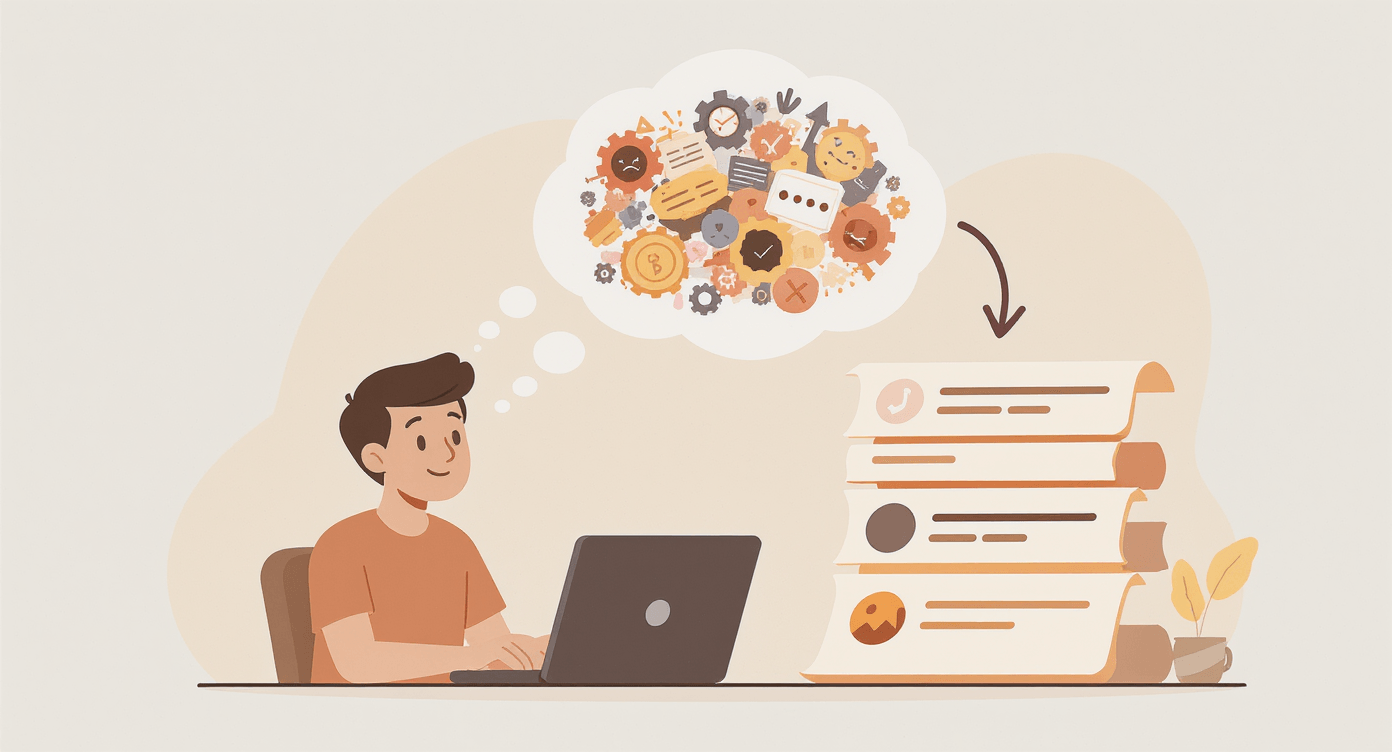
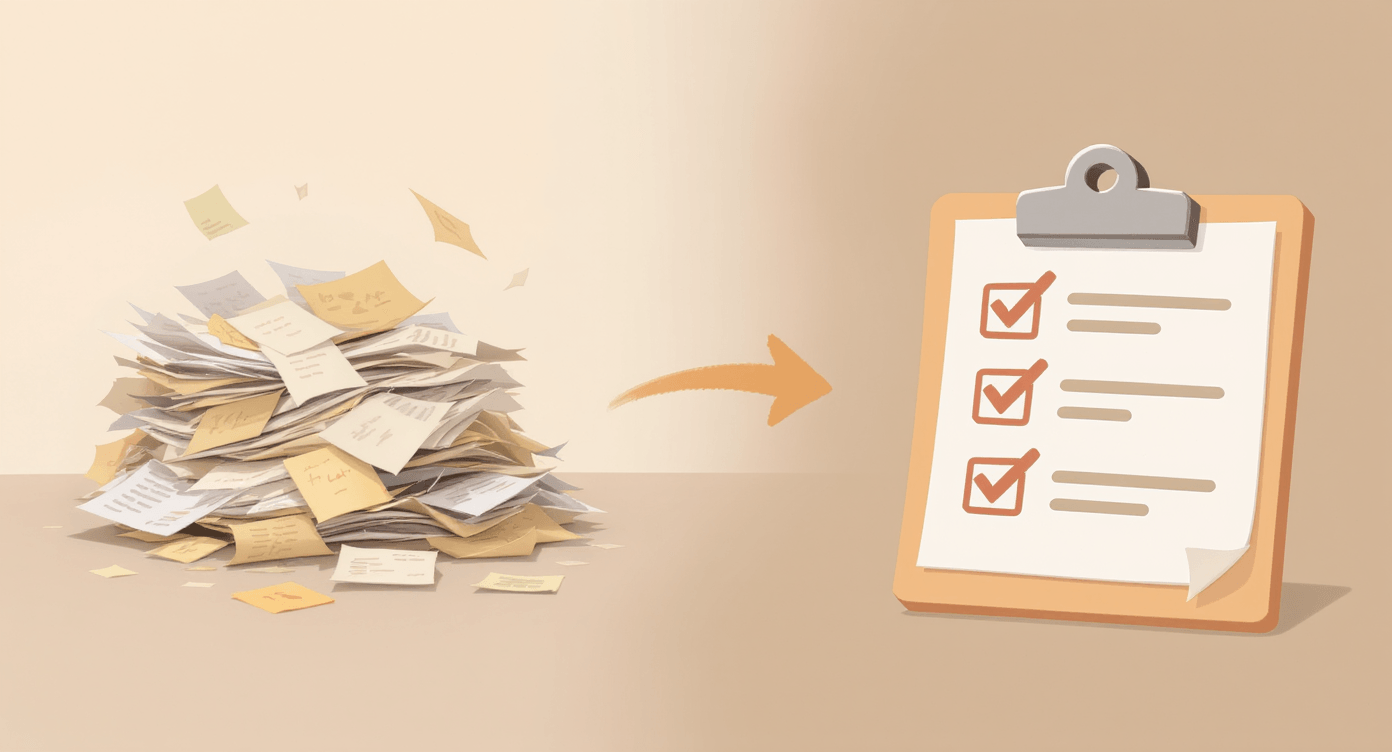
AI is brilliant at taking your jumbled thoughts and turning them into actual, workable plans. You can dump all your requirements, constraints, and random ideas onto it, and it'll sort them into something sensible.
Planning Prompts That Actually Work
Copy-paste these prompts and watch AI sort your life out:
💡 Pro Tip Box:
Don't be precious about your first attempt. Treat your first AI plan like a rough sketch - you can always ask it to adjust, simplify, or completely rethink sections.
"Create a weekly meal plan for a family of 4, budget £60, include 2 vegetarian days, nothing too fancy or time-consuming. Also give me a shopping list organised by supermarket sections."
"Help me organise a surprise 50th birthday party for my partner. 20 people, budget £300, they hate being the centre of attention but love good food and their mates. What do I need to think about?
"Plan a 'get my life together' routine for someone who works 9-5, has two young kids, and currently survives on chaos and coffee.
Include when to do laundry without it taking over the house."
"Create a Christmas shopping strategy for someone who always leaves it too late and ends up panic-buying tat on Christmas Eve.
Budget £400, family of 5, want to actually be thoughtful this year."
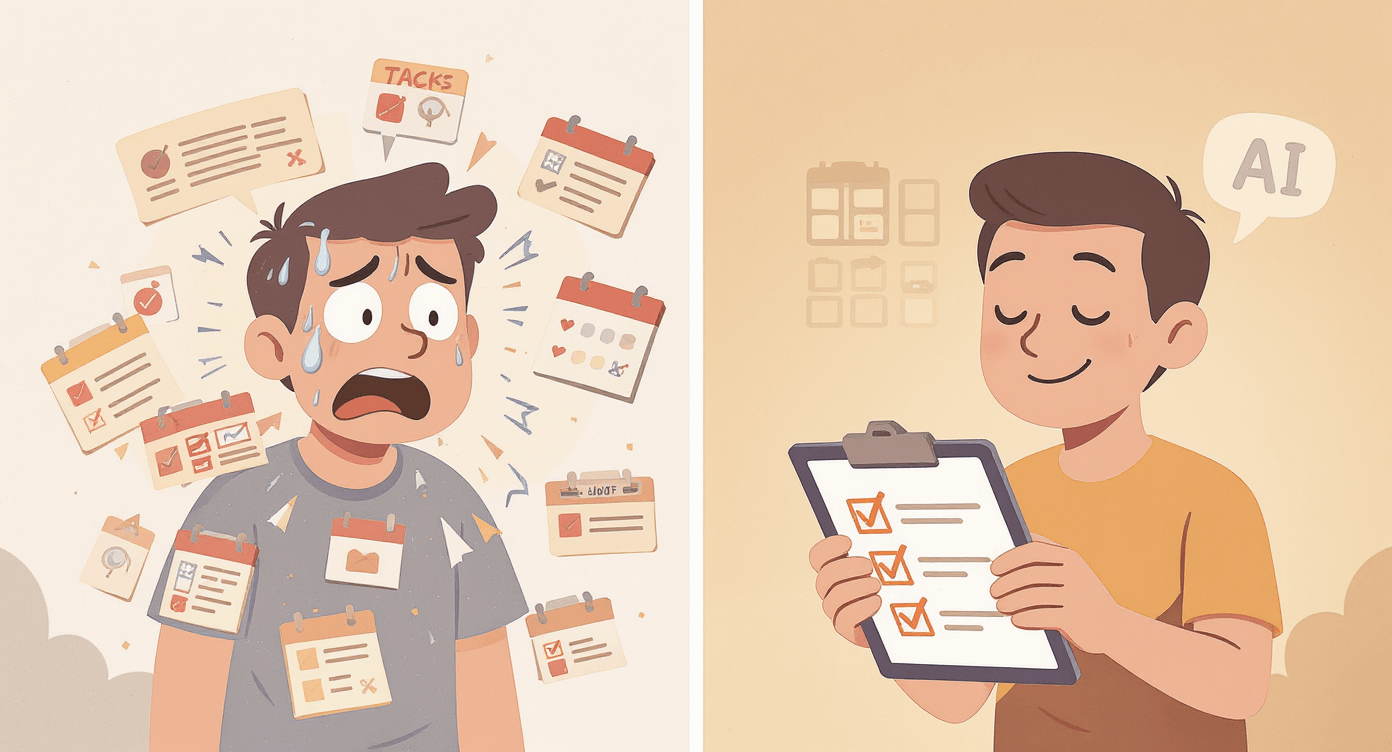
Real Example: Mark, a single dad from Leeds, was drowning trying to organise his daughter's 16th birthday while working full-time. He dumped all his constraints and worries into ChatGPT - budget limits, her friend dynamics, his complete lack of party-planning skills.
"It gave me a proper step-by-step plan with backup options. Best part? It reminded me to ask her friends' parents about dietary requirements - something I'd have definitely forgotten and panicked about later."
What You'll Get Back
A proper structured plan that considers your actual constraints, not some idealised version where you have unlimited time and money. You can then refine it: "Move the food shopping to Sunday" or "Suggest cheaper alternatives for the party venue."
Common Beginner Worry: "What if AI suggests something completely unrealistic?"
Sometimes it does get a bit carried away with suggestions (like recommending a personal chef when you've mentioned a tight budget). Just tell it to rein it in: "Make this more realistic for someone without a trust fund."
The Secret Sauce
Be brutally honest about your constraints. "I hate mornings, have no willpower, and my kids will only eat about 6 different foods" gets you much better advice than "plan me a healthy routine."
😰 Common Beginner Concerns (And Why They're Not Worth Losing Sleep Over)
💭"This sounds useful, but what if I break something?"
You can't break AI by asking it questions. The worst that happens is you get a weird answer and try again. It's not like accidentally deleting your hard drive - there's literally no risk.
😳"What if I ask something embarrassing?"
AI doesn't remember your conversations once you close the tab, doesn't gossip with other AIs about your weird questions, and definitely won't judge you for asking how to adult properly at age 35. We've all been there, mate.
🤔"What if the answer is complete nonsense?"
Sometimes AI does chat absolute rubbish with remarkable confidence. It's like that mate who's convinced they know everything about wine despite only drinking Blossom Hill.
Research from MIT Sloan shows that using clear, structured prompts and asking follow-up questions significantly improves AI accuracy and exposes logical gaps in responses.
🎭"This feels too good to be true. What's the catch?"
The catch is that AI is a very clever tool, not actual magic. It's brilliant for getting started and handling routine tasks, but you still need to use your brain. Think of it as having a research assistant who's read everything but occasionally gets their wires crossed.
🚀 "I'm convinced, but where do I actually start?"
Right here, right now. Pick one problem you're actually facing today - whether it's writing an awkward email, planning next week's meals, or figuring out what to get your impossible-to-buy-for sister for her birthday. Give AI that real problem, not a made-up test question.
Feeling overwhelmed by all the options? Our guide to 7 Beginner-Friendly AI Tools breaks down exactly which tool to use for what - no more decision paralysis.
🎯 Your Next Step
Pick ONE of these four methods and try it in the next 10 minutes:
Ask ChatGPT a real question you need answered
Get help writing that awkward email sitting in your drafts
Create an image for something you've been putting off
Plan something you've been avoiding
Don't try all four. Just one. Right now.
Once you've done that, you'll understand why 100 million people use these tools daily. It stops feeling like "trying AI" and starts feeling like "getting stuff done faster."
Ready for more? Download our Free Beginner's Cheat Sheet with copy-paste prompts for your most common tasks.
Want to go deeper? Our guide on 7 Beginner-Friendly AI Tools shows you which tool works best for specific jobs.
No Jargon AI
Making AI make sense - one prompt at a time
Declaration
Some links on this site are affiliate links.
I may earn a small commission, but it doesn't
cost you anything extra.
I only recommend tools i trust
Thank you for your support
Socials
Location
Based in Mansfield, Nottinghamshire
Simplifying AI for beginners, no matter
where you're starting from.
All Rights Reserved.