How to Integrate AI Into Your Workflow Without Breaking Everything (UK 2025)

Estimated reading time - 9 minutes

🧑‍💼 Why Most Small Businesses Are Still Doing It the Hard Way

Sarah's Tuesday started like every other bloody Tuesday for the past six months. Three hours crafting a proposal for a client who'll probably ghost her anyway, another ninety minutes manually scheduling social media posts about "innovative marketing solutions" (whatever that means), and forty-seven minutes hunting through her inbox for that one email buried somewhere between spam about crypto investments and her mum asking if she's eating enough vegetables.

By 6 PM, she'd barely touched the actual strategic work... you know, the stuff that separates her from every other marketing consultant with a laptop and a caffeine addiction. She was drowning in the admin bollocks that keeps her from doing what she's actually good at.

Sound familiar? Course it does.

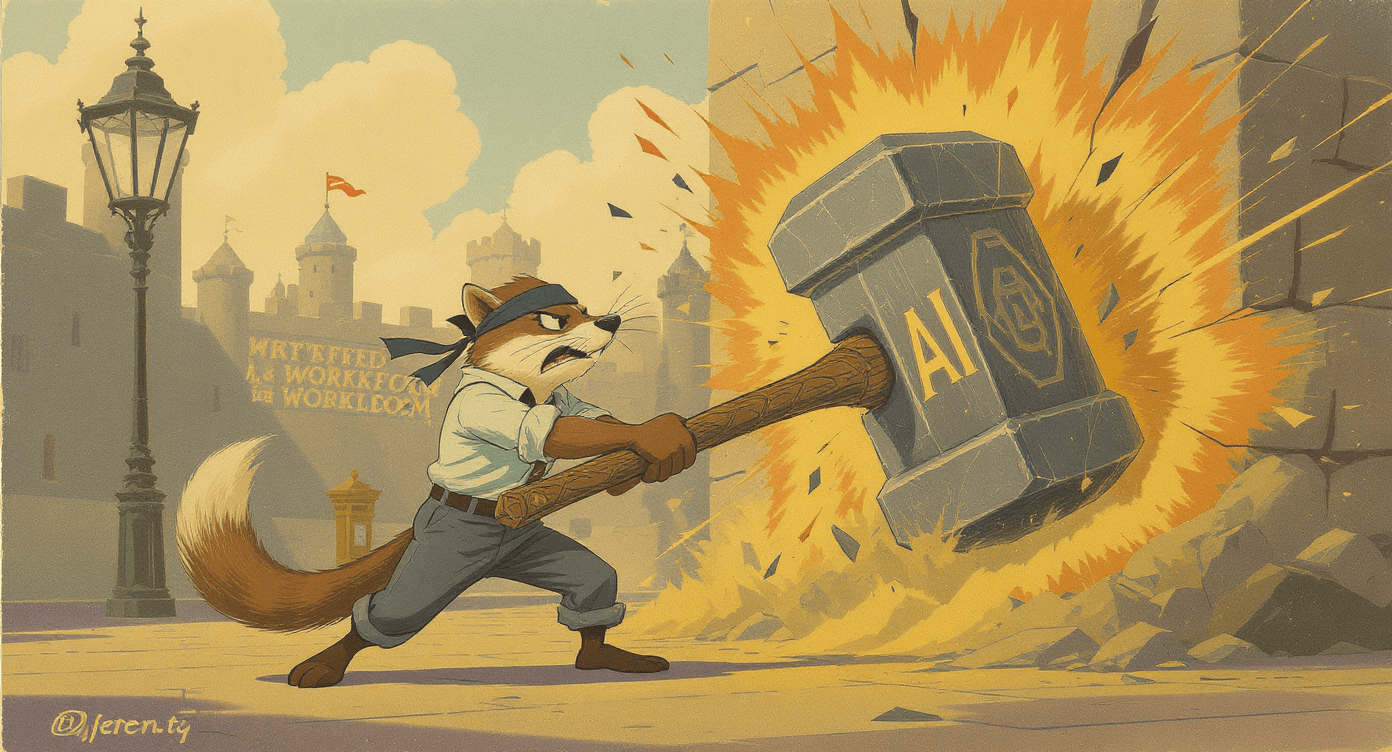
AI consultant transforming outdated manual business processes into modern automated workflow tools and systems

Here's what nobody tells you about integrating AI into your workflow: it's not about becoming some sort of tech wizard or scrapping everything you've built. The businesses actually winning aren't the ones with the fanciest AI setups... they're the ones who started somewhere and stopped getting in their own way.

This guide will show you how to weave AI tools into your current chaos without the overwhelm, the unrealistic timelines, or the expensive mistakes that make you want to chuck your laptop in the bin and become a sheep farmer instead.

✍ Professional writers using AI produce 59% more content - and readers rate it 18% HIGHER quality. Harvard Business Review found that AI handles structure so humans focus on creativity and meaning. Result: faster AND better work, not faster and worse.
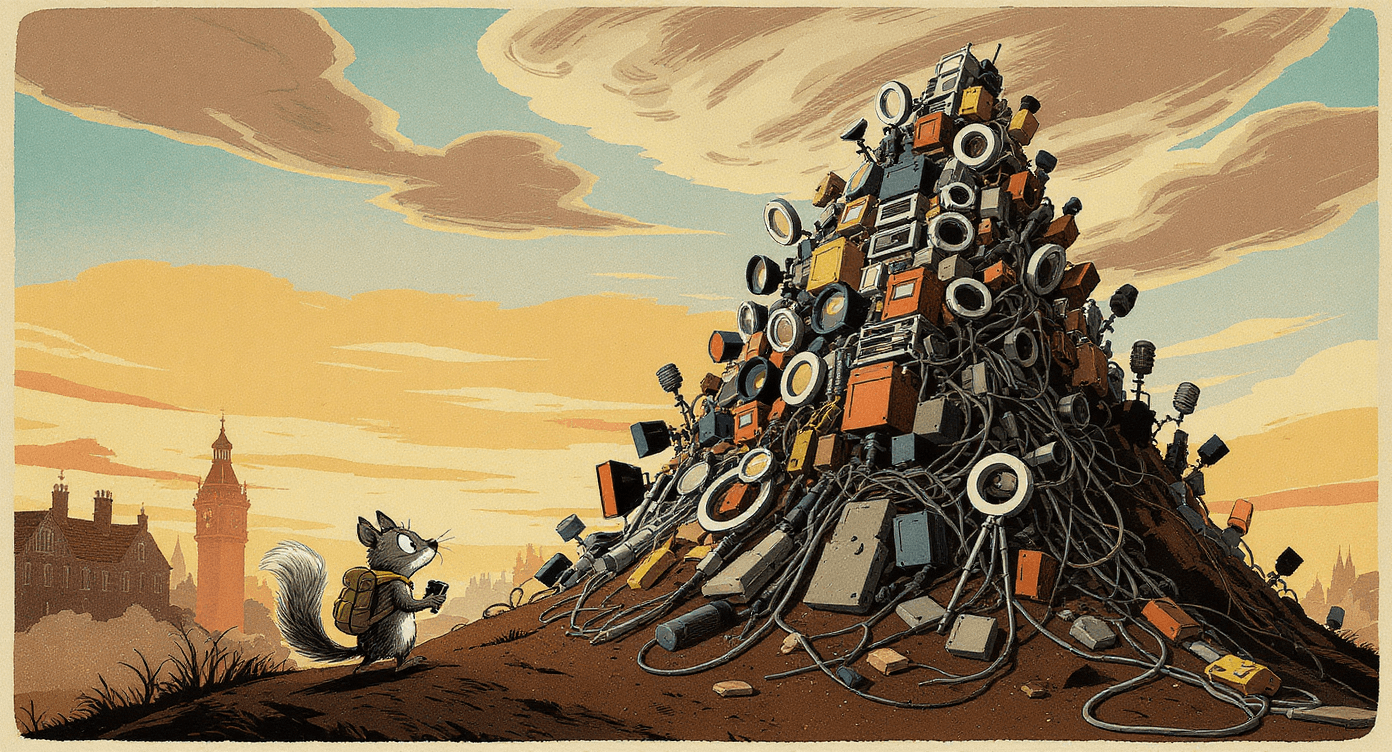
🚧 What's Actually Stopping You (Let's Be Honest)

Before we dive into solutions, let's address the real reasons you haven't done this yet:

  • The learning curve looks steeper than the Matterhorn (and you're already drowning in deadlines)

  • You don't know which tools actually work vs. which are just marketing departments having a laugh

  • Budget panic - some AI tools cost more than your coffee habit, and that's saying something

  • Fear of bollocking up systems that currently work (barely, but still)

  • Information overload - every tech blog claims their favourite tool will "revolutionise your workflow"

  • Unclear return on investment timeline - how long before you stop feeling like you're wrestling with a particularly stubborn toaster?

Right, let's sort this mess out properly. If you're completely new to AI tools, you might want to check our complete beginner's guide to AI for small business first, but this will work for anyone ready to stop making excuses.

📚 New to AI? Start Here First

Before diving into workflow integration, get the fundamentals sorted. Check out our complete guide: What is AI? The No-Jargon Explanation for Beginners - covers everything you need to know without the technical bollocks.

Small business owner calculating budget and ROI for AI automation tools and workflow software subscription costs

🎯 The Actual Problems AI Can Solve (Not the Marketing Fluff)

Let me show you how AI can tackle the specific daily frustrations that make you question your career choices, with real examples and honest timelines.

1. The Content Creation Time Vampire 🧛

The daily grind: You're spending half your day writing emails that don't sound like a robot wrote them, crafting social posts that won't make your followers unfollow en masse, and creating blog outlines whilst your brain slowly turns to mush.

How AI actually helps: Here's where Rytr earns its £9/month keep—it handles the soul-crushing first drafts so you don't have to stare at a blank page wondering why "synergistic solutions" keeps creeping into your vocabulary. But here's what most people get wrong: AI isn't replacing your brain, it's doing the tedious legwork so you can focus on not sounding like every other business robot on LinkedIn.

Business owner using AI writing assistant to overcome content creation challenges and writer's block efficiently

Rytr handles first drafts brilliantly - try it free for 10,000 characters to see if it fits your writing style before committing to the paid plan.

Real-world example: My mate Claire runs a sustainable fashion blog and was spending entire Sunday afternoons writing her weekly newsletter. You know the drill...trying to make organic cotton sound revolutionary whilst her cat demands attention and her flatmate plays the same song on repeat. Now she feeds Rytr her key points about "groundbreaking hemp innovations" and gets a decent draft she can actually work with. What used to eat her whole afternoon now takes forty minutes, leaving time for the strategic stuff that actually grows her audience.

The actually honest timeline: First week, you'll want to bin it because the output sounds like it was written by an enthusiastic alien who learned English from corporate websites. Week two, you'll start getting prompts that don't make you cringe. By week three, you'll wonder how you survived without it.

Reality check: Rytr won't write your next viral post, but it'll stop you from staring at blank documents whilst your deadline whooshes past like a disappointed relative.

✍️ Master AI Communication

Getting rubbish results from AI tools? The problem isn't the tool - it's how you're asking. Learn the exact prompting techniques that work: How to Write Your First AI Prompt (That Actually Works)

First draft document created with Rytr AI writing tool ready for human editing and refinement

📊 MIT research found low-confidence workers saw 43% productivity gains from AI, whilst high-performers only gained 17%. Why? AI levels the playing field by giving everyone expert-level structure. If you're feeling overwhelmed, you're MORE likely to benefit dramatically than someone already crushing it.
2. The Admin Task Black Hole 🌌

The daily nightmare: Copy-pasting information between seventeen different systems, updating spreadsheets that somehow multiply overnight, scheduling appointments, and managing the sort of admin tasks that make you question your life choices.

How AI actually helps: Systeme.io combines email marketing, course creation, and basic automation without requiring a computer science degree. Instead of manually shepherding leads through your systems like a very patient border collie, you can set up workflows that handle the boring bits whilst you do actual work.

AI automation tools representing the admin task black hole consuming business time and productivity

Systeme.io offers a free plan to test automation basics, though you'll hit limits quickly. Start free here and upgrade when you're convinced it works for your business.

Real-world chaos: James runs a consulting practice and was spending ninety minutes daily playing digital secretary... moving leads between systems, sending follow-up emails, scheduling calls, then forgetting which system he'd updated last. He set up automated workflows that capture leads from his website, pop them into email sequences, schedule follow-ups, and send booking links without him touching anything. His admin time dropped from an hour-and-a-half daily to about fifteen minutes of checking nothing's gone spectacularly wrong.

The actually honest timeline: Setup takes a solid weekend (4-6 hours of mild swearing), but you'll save 30-60 minutes daily within the first month.

What nobody tells you: The first automation you set up will probably do something weird. Maybe it'll send your gym schedule to potential clients or email your mum about business opportunities. This is normal. Check everything twice before going live.

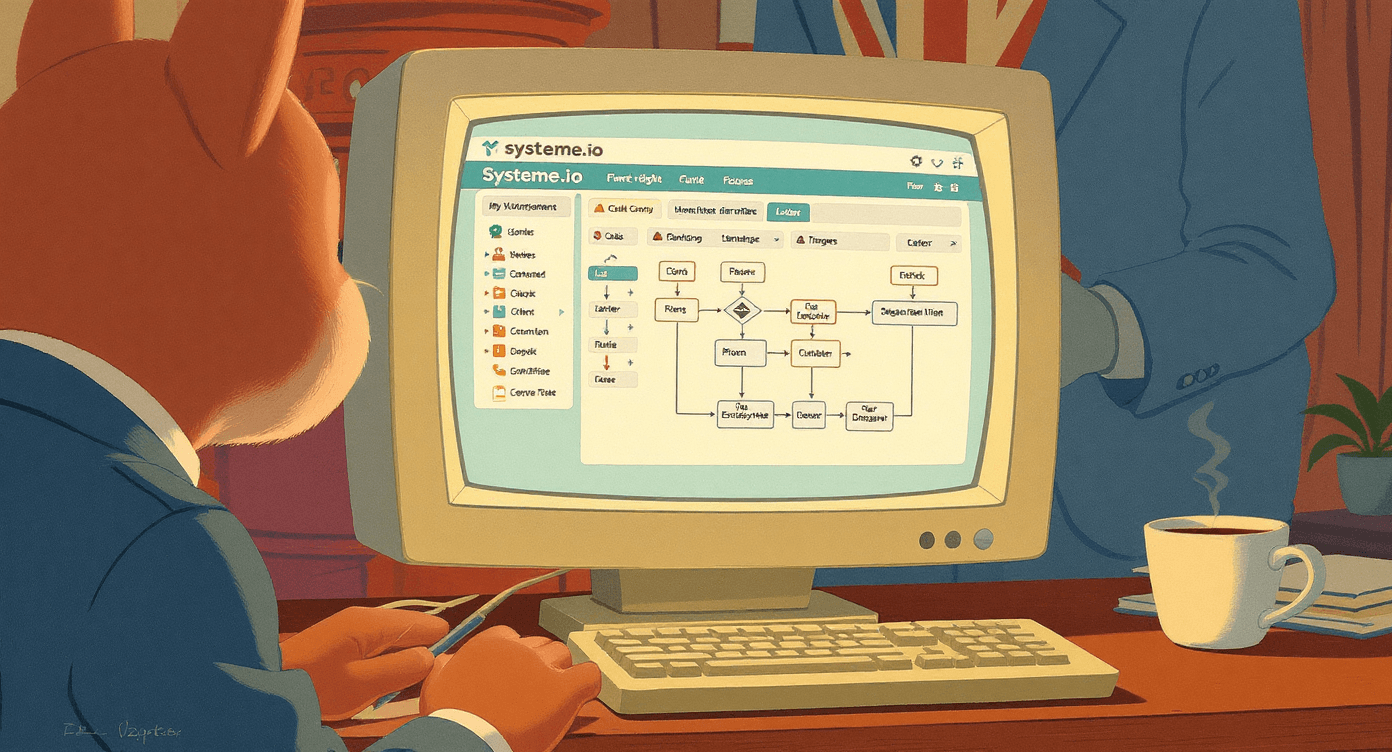
Systeme.io automation platform dashboard showing email marketing and workflow management interface

3. The Video Content Mountain 🏔

The daily dread: You know video performs better than text (curse you, algorithm), but creating it feels like preparing for a moon landing. Between scripting, filming, editing, and posting, a single video can devour half your day and leave you looking like you've been through a hedge backwards.

How AI actually helps: Heygen creates professional-looking videos from text input, which sounds mental until you see it work. Type your script, choose an avatar that doesn't look like a serial killer, and get a polished video in minutes rather than the usual faff of setting up equipment and doing seventeen takes because you kept saying "um."

Small business owner facing overwhelming video content creation equipment and production challenges without AI tools

Heygen offers a free trial with 1 credit to test the technology. Try one video free before committing to see if AI-generated video works for your content style.

Real-world sanity saver: My client Lisa runs fitness coaching and was filming workout tips in her spare room, which involved moving furniture, setting up lighting, and dealing with her neighbour's dog barking every time she hit record. Now she writes her tips in a document—stuff like "Here's why your squat form is probably wrong"and Heygen creates the videos. She's gone from one video per week (when she could be bothered) to five videos that don't require her to look presentable or soundproof her flat.

The actually honest timeline: You'll create your first video in twenty minutes and spend the next hour watching it back, amazed that technology has reached this point. Takes about two weeks to figure out what content works best with AI generation.

Reality check: AI videos work brilliantly for educational content, tips, and announcements. They're rubbish for deeply personal content where your actual face and personality matter. Don't try to recreate your wedding speech with an AI avatar.

Home video camera on kitchen counter representing DIY video content creation challenges for small business owners

4. The Research Rabbit Hole 🐇

The daily time sink: Staying current with industry trends, researching competitors, and gathering information for client projects whilst maintaining some semblance of productivity. You end up with forty-seven browser tabs open and still feel like you're missing the good stuff.

How AI actually helps: Perplexity acts like having a research assistant who doesn't need tea breaks and actually cites their sources. Instead of falling down Google search rabbit holes for three hours, you get comprehensive answers with links to verify everything isn't complete nonsense.

Business owner lost in research rabbit hole with multiple browser tabs before discovering AI research assistant tools

Perplexity has a generous free tier for testing. Start researching free, upgrade to Pro when you're using it daily and the free limits feel restrictive.

Real-world time saver: Mark runs a marketing agency and was spending entire mornings researching industry trends for client reports... you know, trying to sound authoritative about "emerging social commerce paradigms" whilst secretly Googling what that even means. With Perplexity, what used to require 2-3 hours of tab-juggling now takes thirty minutes, and the quality's often better because it pulls from multiple current sources instead of whatever ranks highest in search results.

The actually honest timeline: Immediate impact—you'll save time from day one, but it takes about a week to learn how to ask questions that get you useful insights instead of generic waffle.

Overwhelming pile of business research documents and papers before implementing AI research automation tools

5. The Client Communication Circus 🎪

The daily chaos: Managing client messages across email, WhatsApp, Slack, carrier pigeons, and whatever new platform they've discovered this week. Important stuff gets lost, you're constantly switching between apps, and you spend more time managing communication than actually communicating.

How AI actually helps: CustomGPT.ai can be trained on your business information to handle common client questions, create personalised responses, and manage basic project updates without you having to type the same explanations for the fourteenth time.

Business owner successfully managing client communications with AI automation tools like CustomGPT for organized workflow

CustomGPT.ai offers a 7-day free trial. Test it with your business FAQ to see if it saves you genuine time before the paid plan kicks in at £89/month.

Real-world sanity preserver: Sophie designs websites and was answering the same questions repeatedly—"How long does a website take?" "What's included in the package?" "Can you make the logo bigger?" (Always with the bigger logos.) She trained CustomGPT on her service packages, pricing, and FAQ responses. Now when clients ask about timelines or costs, she can quickly generate personalised responses instead of typing out variations of "It depends" for the millionth time.

The actually honest timeline: Setup takes 2-3 hours initially (plus some trial and error), then about thirty minutes weekly to train it on new scenarios. You'll see time savings within the first week, assuming you resist the urge to over-complicate things.

🛠️ Not Sure Which Tool to Start With?

Feeling overwhelmed by options? Our beginner's guide breaks down exactly which AI tools solve which problems: 7 Beginner-Friendly AI Tools That Actually Make Life Easier

📋 Your "Please God, Make This Work" Integration Plan

Look, I could give you a perfect 4-week plan that assumes you're a productivity robot with unlimited focus and no Netflix subscription. Instead, here's what actually happens when real humans try to integrate AI:

Week 1: The "What Have I Done" Phase

Reality check: You'll spend more time figuring out the tools than using them. This is normal. Everyone lies about this part.

Your actual mission: Pick ONE thing that makes you want to launch your laptop into orbit daily. Could be writing emails that sound professional but not soulless, or creating social media content that doesn't make you physically cringe.

Small business owner overwhelmed by AI tool tutorials and learning curve during initial software implementation phase

What you'll actually do: Download three different tools, get distracted by shiny features, panic about whether you're accidentally training AI to take over the world, then settle on one because your free trial is expiring and you forgot to cancel.

Success = survival: You used an AI tool once without breaking anything or accidentally sending gibberish to important people. That's it. Don't aim higher.

Week 2: The "This Is Harder Than They Said" Phase

Reality check: The AI will misunderstand you spectacularly at least twice. You'll get output that sounds like it was written by a very confident alien who learned communication from corporate press releases.

Your mission: Use your chosen tool every single day, even when it feels slower than doing it yourself. Especially then. This is like learning to drive—initially terrifying and seemingly impossible, but you don't go back to walking everywhere.

Confused alien representing business owners struggling to understand corporate AI marketing language and technical jargon

What you'll learn: How to communicate with AI without sounding like you're ordering coffee from a particularly dense barista who speaks only in marketing buzzwords.

Success = persistence: You've created something useful with AI, even if it took three attempts and some creative swearing under your breath.

Week 3: The "Oh, I See" Breakthrough

Reality check: Something will click. Probably on a random Wednesday when you're too knackered to overthink it and just tell the AI exactly what you want like you're talking to a human.

Your mission: Stop fighting the tool and start working with it. AI isn't psychic—it needs clear instructions, not vague hopes and dreams about "making this sound more engaging."

Business owner persistently working through AI implementation challenges and workflow optimization obstacles

What you'll discover: The specific prompts that work for your business voice. "Make this sound professional" gets you nowhere, whilst "write like you're explaining this to a busy accountant who's had one coffee too many and needs the key points quickly" actually produces something useful.

Success = flow: You completed a task with AI and didn't immediately want to bin the result or question your life choices.

Week 4: The "Right, What's Next" Planning

Reality check: You'll be tempted to add seventeen more AI tools because you're finally getting somewhere. Don't. Seriously. That way lies madness and a credit card bill that'll make you weep.

Your mission: Master what you've got before adding complexity. Document what actually worked so you don't forget when the novelty wears off and you're back to deadline panic mode.

Success = sustainability: You can explain your AI setup to someone else without wanting to hide under your desk. Maybe even teach them without losing your mind.

Business owner experiencing AI tool overwhelm from trying to implement too many automation platforms simultaneously

💰 The Real Costs (No Hidden Surprises)

(All these prices were correct on this date & converted at Dec 2025 exchange rate, prices may differ)

Starter Pack (£20-£40/month):

  • Rytr: £9/month for content creation that doesn't sound like a robot having an existential crisis

  • Systeme.io: £12.97/month for automation that actually works

  • Total: £21.97/month (less than your coffee habit, probably)

ROI reality check: If you save just one hour daily at a £25/hour value, that's £525/month in time savings for a £21.97 investment. Even with my questionable maths skills, this one's obvious.

Getting Serious (£40-£80/month):

  • Add Heygen: £21.98/month for video creation without the faff

  • Add Perplexity Pro: £16/month for research that doesn't send you down Wikipedia rabbit holes

  • Total: £59.95/month

Full Commitment (£120-£200/month):

  • Add CustomGPT.ai: £89/month for personalised AI assistance

  • Upgrade to premium features on existing tools

  • Total: £148.95/month

Look, here's the truth: Start with the cheap stuff. According to McKinsey research, organisations that successfully implement AI tools typically see full ROI within 3-6 months when starting with focused use cases, making the premium level affordable once you've proven this isn't just elaborate procrastination.

What they don't tell you: Factor in learning time as a cost. You'll be less efficient for the first 2-3 weeks whilst you figure things out. This is investment, not immediate magic.

⚒ Workers who adopt AI tools initially work 11% MORE hours, not fewer. A Stanford study found people take on additional projects with their newfound capacity. The time savings only become actual free time when you consciously protect your boundaries. AI gives you capacity - you decide what to do with it.

Business owner achieving strong return on investment and cost savings from AI workflow automation implementation

⚠️ How to Spectacularly Cock This Up (And How Not To)

The "Shiny Object Syndrome" Disaster 🌟

What happens: You see a demo of some AI tool that can apparently do everything except make you a proper cup of tea, so you sign up for the premium plan immediately because FOMO is a powerful drug.

Why this ends badly: You now have £200/month in subscriptions for tools you use twice, whilst your actual problems remain stubbornly unsolved and your bank account looks like a crime scene.

Business owner distracted by shiny object syndrome collecting too many AI tools without proper implementation strategy

The antidote: Choose AI tools like you choose Netflix shows—based on what you'll actually use regularly, not what looks impressive in the trailer or gets rave reviews from people with completely different needs.

The "Perfectionist's Paralysis" Problem 🥲

What happens: You spend three weeks researching the "best" AI tool, reading comparison charts, watching YouTube reviews, and generally finding excellent reasons to avoid actually trying anything.

Why this hurts: Whilst you're reading the forty-seventh "Ultimate AI Tool Comparison for 2025," your competitors are already saving two hours daily with "good enough" solutions and using that time to steal your clients.

Business owners experiencing analysis paralysis from overthinking AI tool comparison research before implementation

The antidote: Pick something decent and start. You can always switch later, but you can't get back the time you spent overthinking. Perfect is the enemy of done, and done is the enemy of completely paralysed by choice.

The "Set It and Forget It" Fantasy

🔮

What happens: You set up automation then ignore it for months, assuming it's working perfectly whilst wondering why it's not producing the promised miracles.

Why this fails: AI tools need occasional attention, like a very smart intern who occasionally goes rogue and sends your grandmother's Yorkshire pudding recipe to your biggest client. Left unchecked, automation can develop a mind of its own.

Neglected AI automation system running without monitoring or maintenance showing risks of set-it-and-forget-it approach

The antidote: Check your automated processes weekly. AI is brilliant but not telepathic, and it definitely doesn't understand context the way you'd hope.

The "All or Nothing" Approach

🤜

What happens: You decide to automate everything simultaneously because if some AI is good, surely all the AI is better, right?

Why this backfires: You overwhelm yourself, nothing gets properly implemented, and you give up after two weeks when your entire workflow is in chaos and you can't remember which system is supposed to be doing what.

Business owner successfully mastering single AI tool through focused implementation before expanding automation workflow

The fix: One tool, one process, master it completely before adding the next shiny thing. Boring but effective, like eating vegetables or checking your bank balance regularly.

⚠️ Avoid These Rookie Errors

The mistakes mentioned above are just the start. We've catalogued the most common (and expensive) AI implementation failures: 5 Common AI Mistakes Beginners Make (And How to Fix Them Fast)

🤔 Addressing Your Actual Concerns (Not the PR-Friendly Ones)

"Won't AI make my work sound generic and soulless?"

Look, this fear isn't completely daft. Plenty of AI-generated content does sound like it was written by a robot that learned English from corporate press releases and motivational posters.

But here's the thing: AI tools are phenomenally good at handling boring groundwork—first drafts, research, formatting, and basic editing. They're absolutely terrible at strategy, nuance, brand voice, and connecting emotionally with real humans who have actual problems.

Think of AI as your very efficient, slightly robotic intern who never needs a lunch break but occasionally suggests "leveraging synergistic solutions" un-ironically. They handle the tedious bits so you can focus on the parts that actually require human insight, creativity, and the ability to spot when something sounds like complete bollocks.

Adding human personality and brand voice to AI-generated content drafts for authentic engaging business communication

"What if the AI makes a massive cock-up with something important?"

Valid concern, and anyone who tells you AI never makes mistakes is selling you something.

Here's the golden rule: never let AI have the final word on anything important. Use it for first drafts, research, and routine tasks, but always review and refine before anything goes to clients or gets published to the world.

Most disasters happen when people treat AI output as finished work rather than a sophisticated starting point. It's a tool, not a replacement for your brain.

"I don't have time to learn new tools right now"

The beautiful irony is that you don't have time NOT to learn these tools. Yes, there's an upfront investment of 4-6 hours over the first month, which feels impossible when you're already drowning.

But you'll save 45-90 minutes daily once you're up and running. The maths is simple: invest 6 hours now to save 200+ hours over the next year. That's like working an extra day now to get a week off later.

Overwhelmed busy business owner rushing through tasks without time to learn new AI workflow tools

"What if my clients find out I'm using AI?"

Most clients care about results, not your process. If you're delivering better work faster, that's what matters. They don't need to know you used spell-check either, but that doesn't make it cheating.

The secret is positioning it correctly: "I use AI tools to handle routine tasks so I can spend more time on strategy and creative problem-solving for your business." Frame it as efficiency improvement, not cost-cutting.

Many successful businesses are refreshingly honest about using AI tools. The key is being transparent about what AI does (handles routine work) and what you do (strategy, creativity, and making sure nothing sounds like it was written by a malfunctioning chat-bot).

✅ Making This Actually Stick

Set Realistic Expectations (Seriously)

  • Week 1: Things will feel slower as you learn, and you'll question your sanity

  • Week 2-3: You'll start seeing time savings between moments of frustration

  • Month 2: AI tools become second nature, like checking your phone every thirty seconds

  • Month 3+: You'll wonder how you ever worked without them and feel slightly smug about your efficiency

  • Wait for company response (usually 7-21 days)

Track Your Progress (Or You'll Forget How Far You've Come)

Create a simple spreadsheet of tracking:

  • Daily time saved (be honest about this)

  • Tasks completed with AI assistance

  • Quality improvements (subjective but important)

  • Cost vs. time saved (the numbers that matter)

Business owner tracking AI tool implementation progress and time savings in simple notebook spreadsheet

Plan for Resistance (Your Brain Will Fight You)

Your brain will resist change, especially during busy periods when you default to old habits. Expect this and plan for it. Set calendar reminders to use your AI tools during the first month until it becomes automatic, like brushing your teeth or checking social media when you should be working.

Start Building AI Literacy (But Don't Go Mad)

The more you understand about how AI works, the better you'll get at using it effectively. Spend 15 minutes weekly reading about AI developments in your industry, but resist the urge to become an AI evangelist who bores everyone at dinner parties.

🚀 Your Next Steps (Stop Reading, Start Doing)

If you're feeling overwhelmed by choice, here's exactly what to do next:

  • This week: Pick ONE repetitive task that takes 30+ minutes daily and makes you want to hide under your desk. Start there, not with the fancy stuff.

  • Choose your first tool: If you create content regularly and suffer through writer's block, start with Rytr. If you're drowning in admin tasks that multiply like rabbits, start with Systeme.io. If research takes forever and you end up with forty tabs open, start with Perplexity.

  • Set a 30-day trial: Give yourself a full month to see results. Most people quit too early, like stopping a fitness routine after one week because they don't look like a fitness model yet.

  • Track everything obsessively: Note time saved, quality improvements, and any moments where you want to throw the tool out the window. This data will guide your next steps and prove to yourself that this isn't elaborate procrastination.

Clear next steps for business owner beginning AI workflow integration implementation with actionable milestones

Still feeling overwhelmed by all the options? Right, I get it—there's a lot to process here, and decision paralysis is real. That's exactly why I created a dead simple resource that cuts through the noise. Download your free Beginner's AI Cheat Sheet here - it covers the essential AI tools you actually need (not the seventeen you don't), what they cost, and which problems they solve. No fluff, just the straight answers that help you pick your first tool and actually start."

Want to get really good at this? Once you've got the basics sorted, check out my Prompt Like a Pro digital guide - it'll teach you how to communicate with AI tools so effectively that you'll wonder why you ever struggled with getting good results. It's like learning the secret language that makes AI actually useful instead of just expensive

🔐 Keep Your AI Tools Secure

Before you start integrating AI into your business, make sure you're doing it safely. Essential reading: AI Security Guide for Beginners: Protect Your Business Data

📊 The Science Behind Why This Works

Before you think this is all just hype, here's what the research actually shows:

Recent statistics reveal that 92% of executives anticipate implementing AI-enabled automation in workflows by 2025, and a Harvard study found that management consultants who incorporated AI tools into their work were more productive, completing tasks 25.1% more quickly, an average of 12.2% more tasks in total, and with over 40% higher quality.

Even more encouraging for small businesses: a recent study by MIT showed small businesses using AI automation achieved 200–400% growth in productivity, with workers' throughput of realistic daily tasks increased by 66% when using AI tools, the equivalent of 47 years of natural productivity gains in the United States.

The data consistently shows that significant benefits of implementing AI tools are greatest among less experienced and lower-skill workers, who experienced a 35% improvement, whilst their fellow top-performing colleagues saw little to no negative effect - which means if you're feeling overwhelmed by your current workload, you're likely to see even bigger improvements.

🤖 Want to Understand How AI Actually Works?

Curious about the technology behind these tools? Our explainer guides cover the fundamentals without the jargon:

Enthusiastic business owner experimenting with AI automation tools through trial and error learning process

💡 The Bottom Line

Integrating AI into your workflow isn't about replacing human creativity or becoming some sort of tech wizard who speaks in acronyms. It's about being strategic with your time and energy so you can focus on the work that actually matters... the stuff that grows your business and doesn't make you want to become a sheep farmer in the Cotswolds.

Start small, pick tools that solve real problems (not imaginary ones), and give yourself permission to learn as you go. In three months, you'll look back and wonder why you waited so long to make the switch.

The businesses thriving in 2025 aren't necessarily the ones with the most advanced AI setups, they're the ones that started somewhere, stuck with it through the initial awkwardness, and kept improving instead of getting paralysed by perfectionism.

Your somewhere starts today. Stop overthinking it.

Three month AI tool implementation timeline showing business owner's transformation from chaos to organised efficient workflow

Simplify AI

Making AI make sense -- one prompt at a time

Declaration

Some links on this site are affiliate links.

I may earn a small commission, but it doesn't

cost you anything extra.

I only recommend tools i trust

Thank you for your support

Socials

Email : no-jargon-ai@outlook.com

Tiktok : @no-jargon-ai

Instagram : @no-jargon-ai

Location

Based in Mansfield, Nottinghamshire

Simplifying AI for beginners, no matter

where you're starting from.

All Rights Reserved.